


Resource Center
How To Tell If Your Cartridge is Auto-Draw Compatible

Continue With This Resource
Exxus Quick Brief
What You Should Know
A quick rundown of the main points, questions, and guidance you'll find in this guide.
Overview
Key Takeaways
- Auto-draw devices fire when you inhale, so no button press is needed.
- They require a cartridge with an airflow hole in the bottom so air can pass through and trigger the sensor.
- To check, look inside the 510 threading for a hole that feeds directly into the cartridge.
- An internal air sensor detects your inhale to activate heating and powers down when airflow stops.
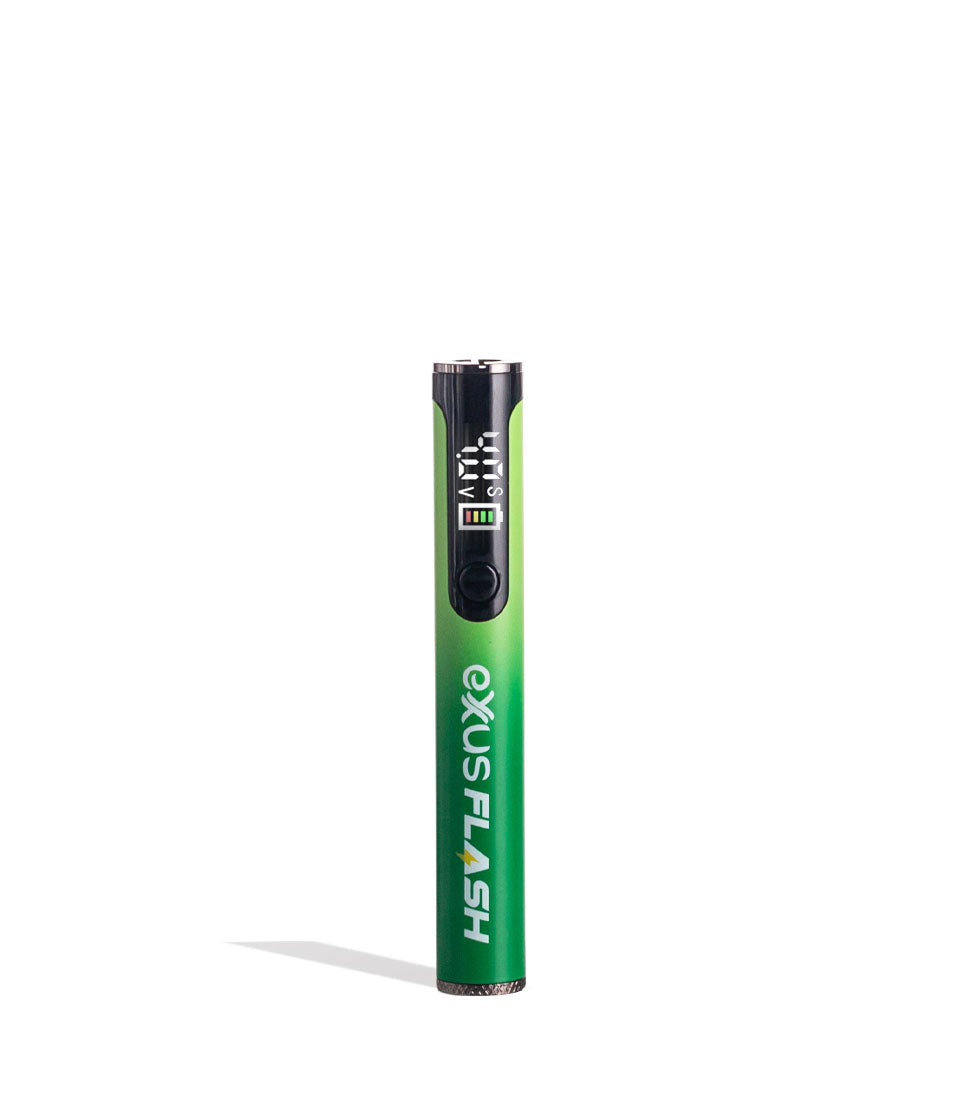
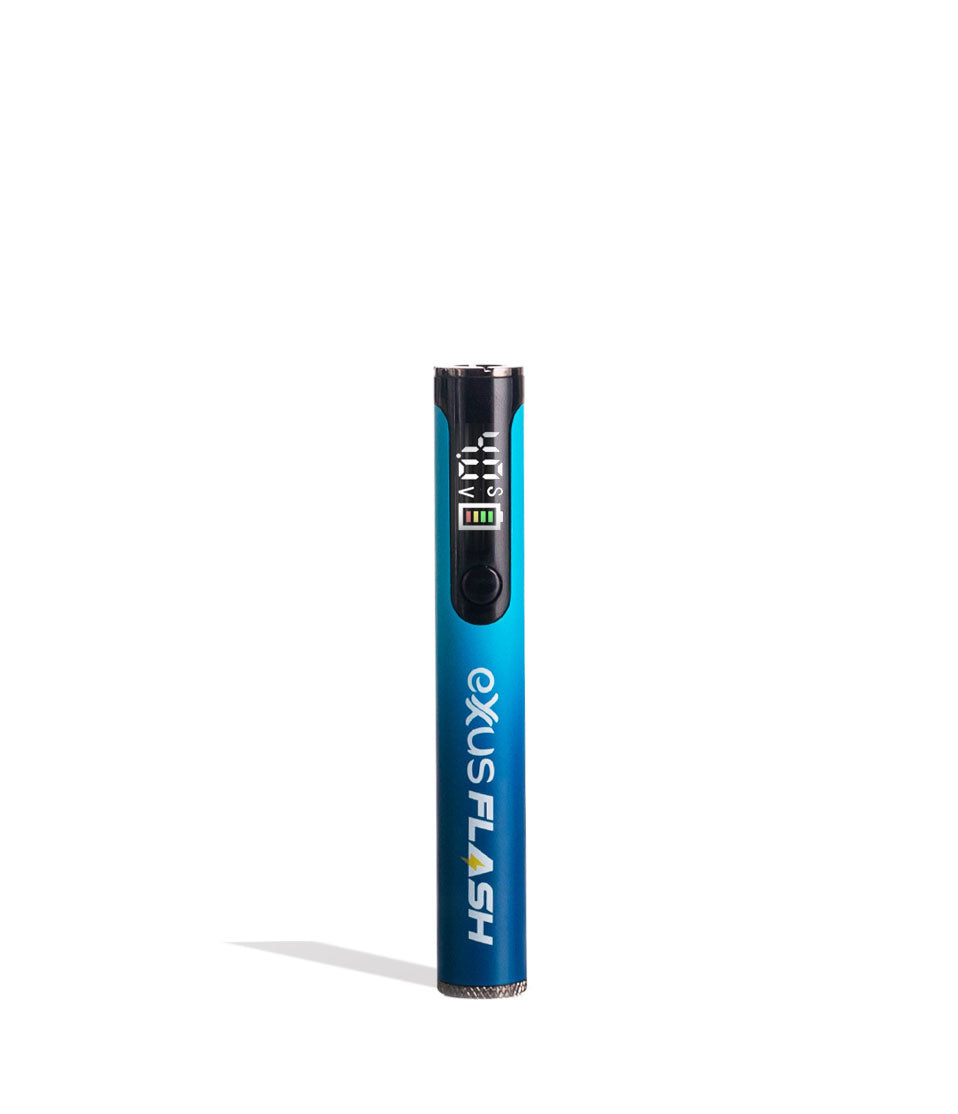
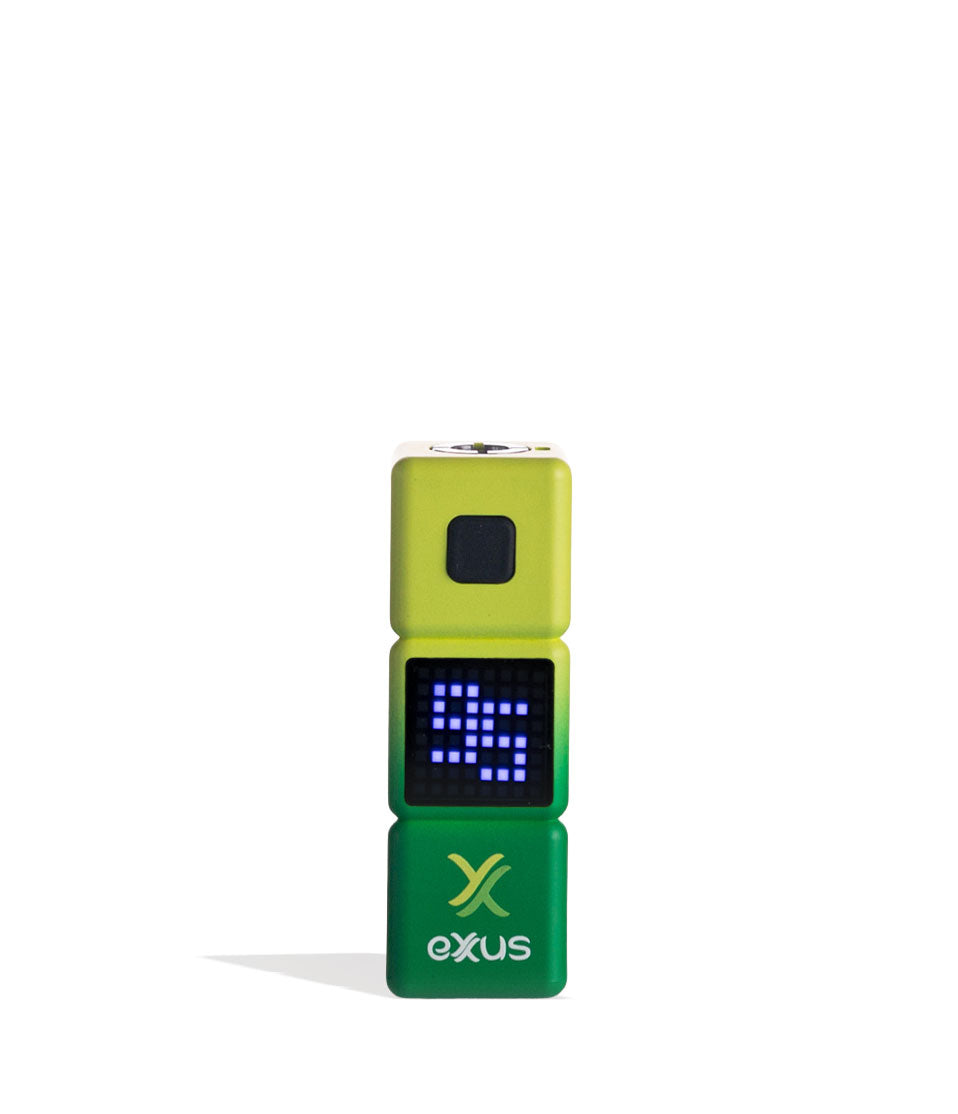
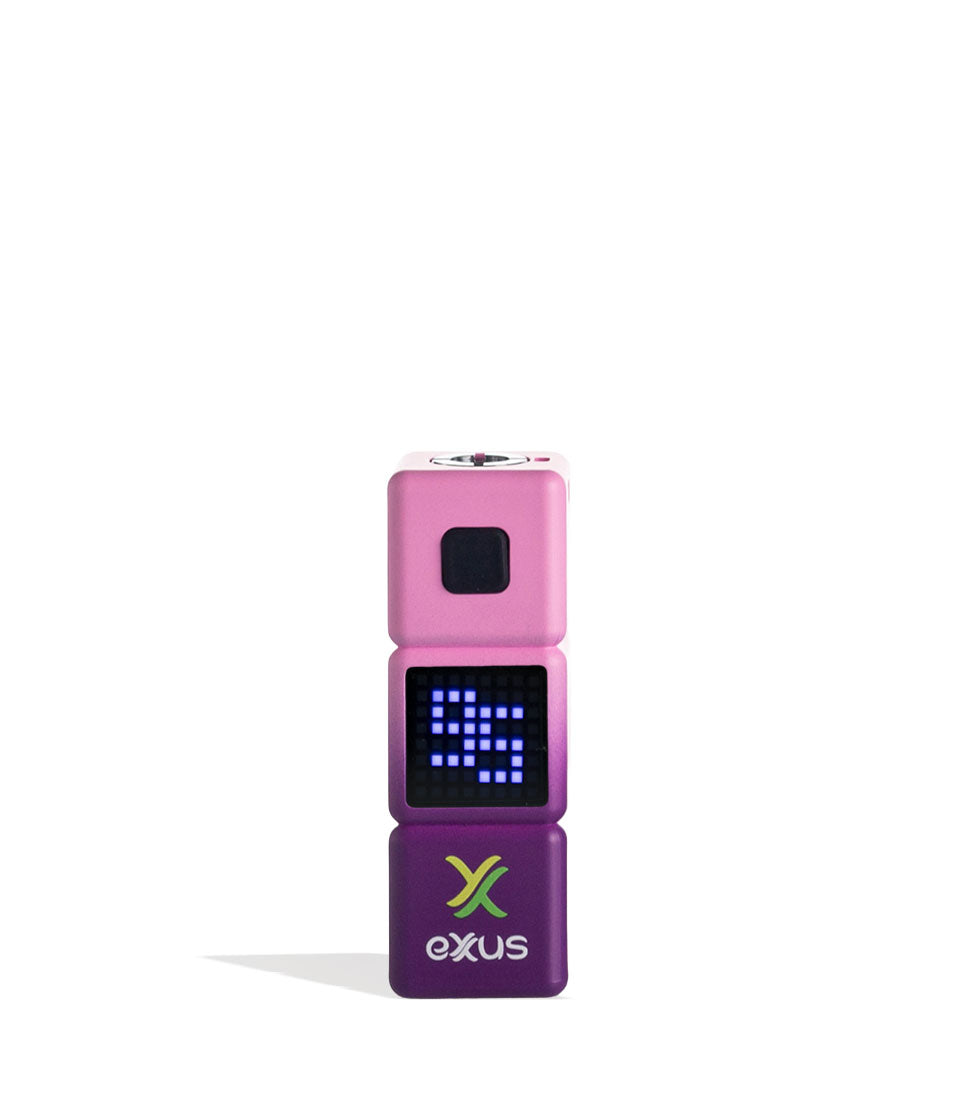
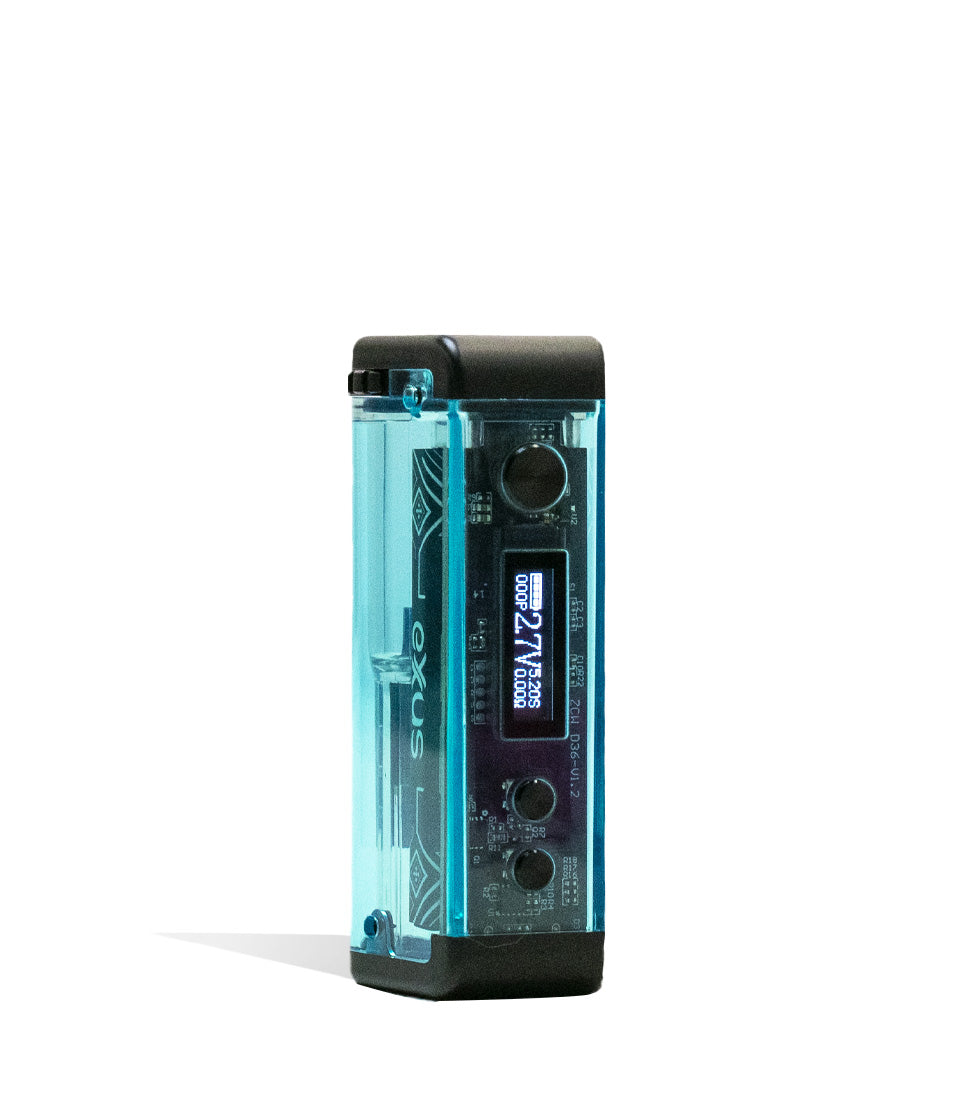
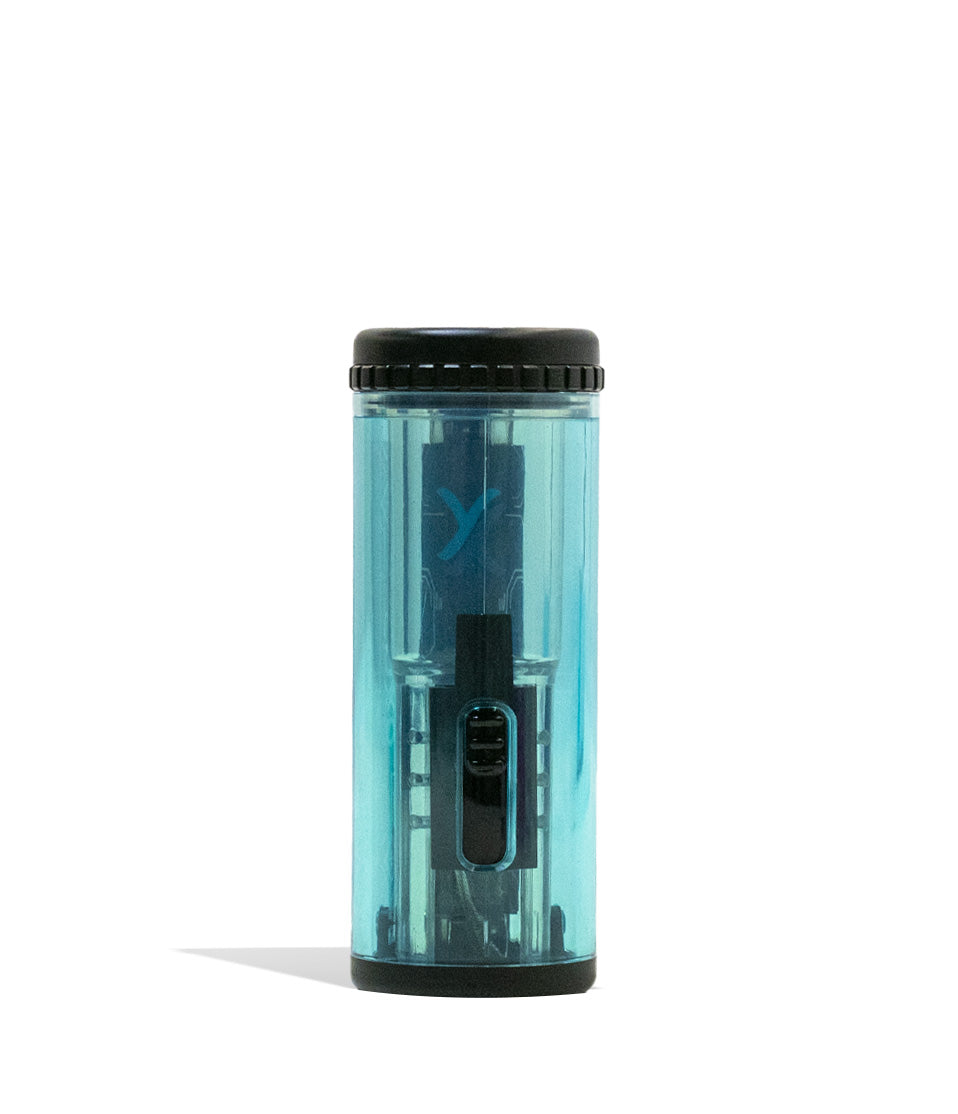
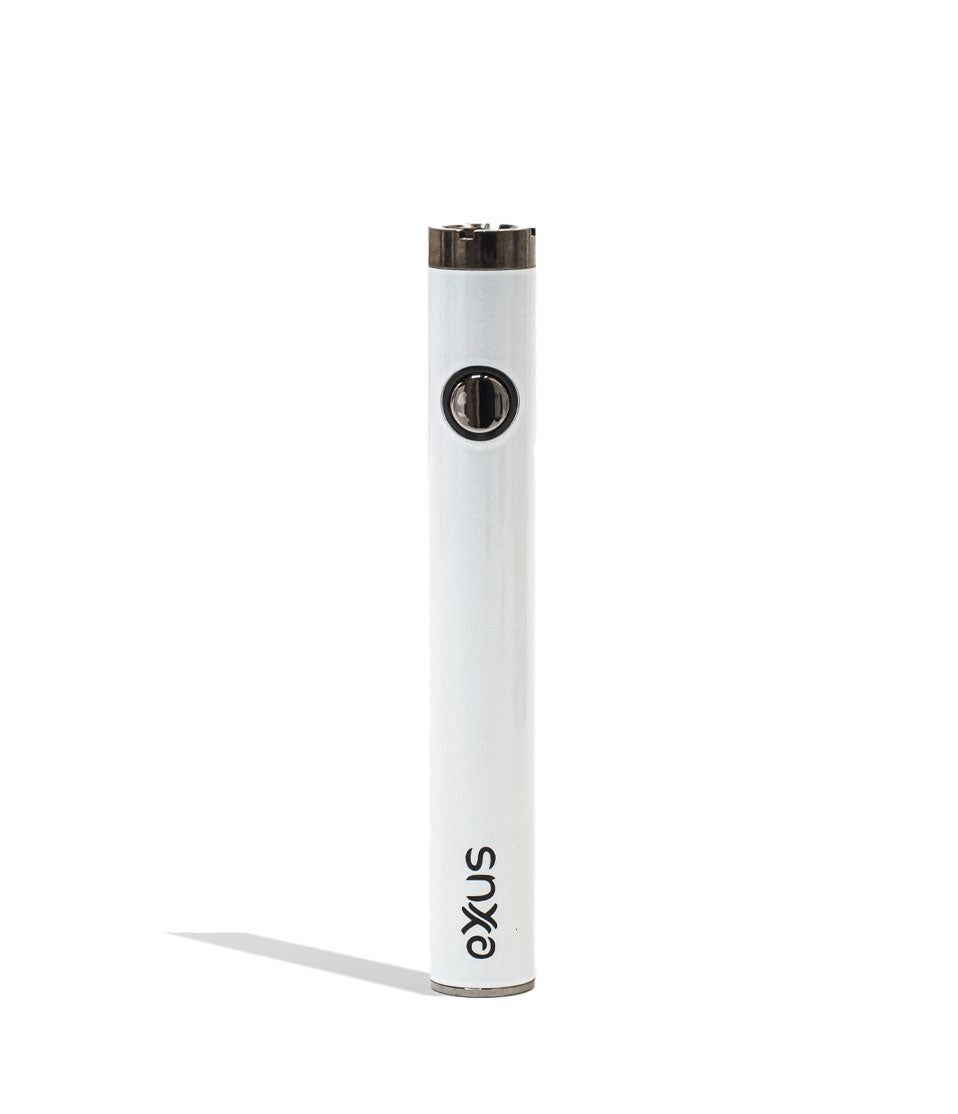
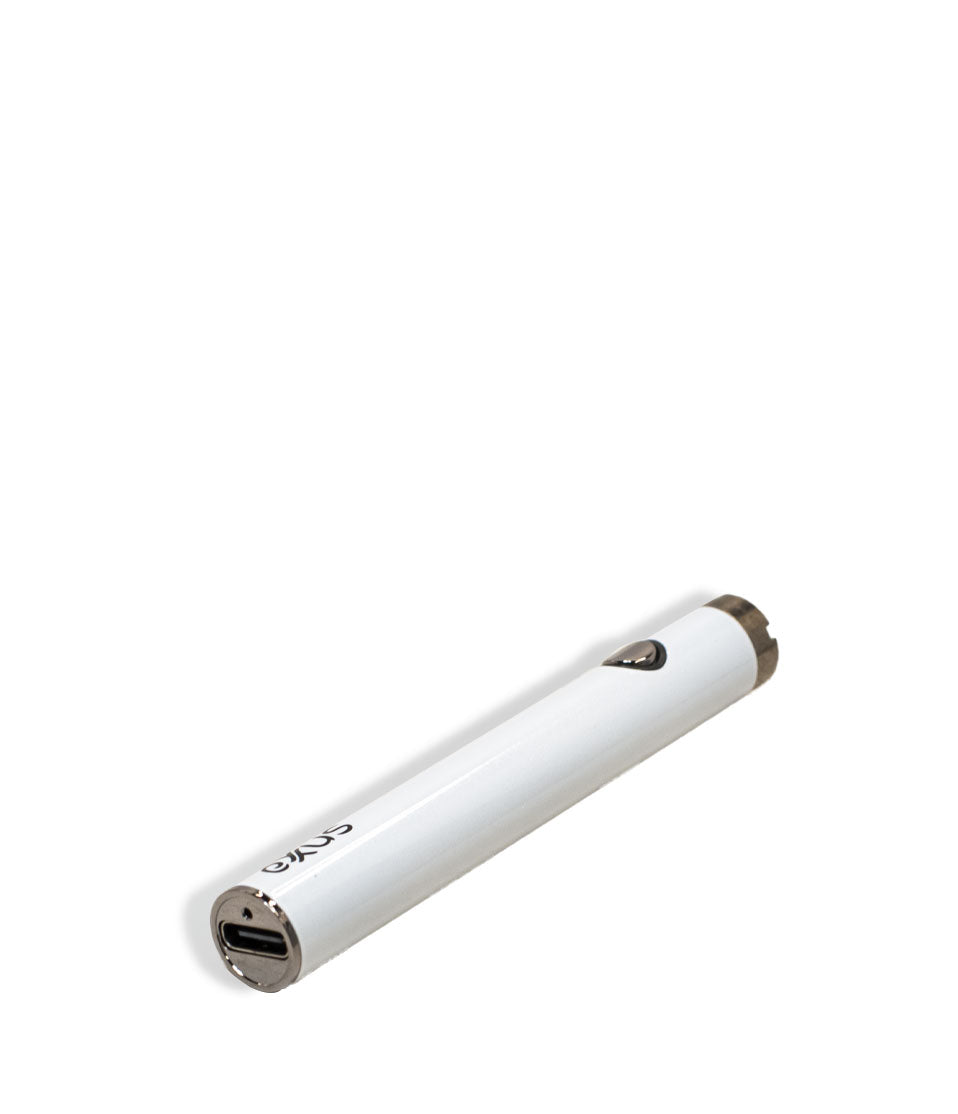
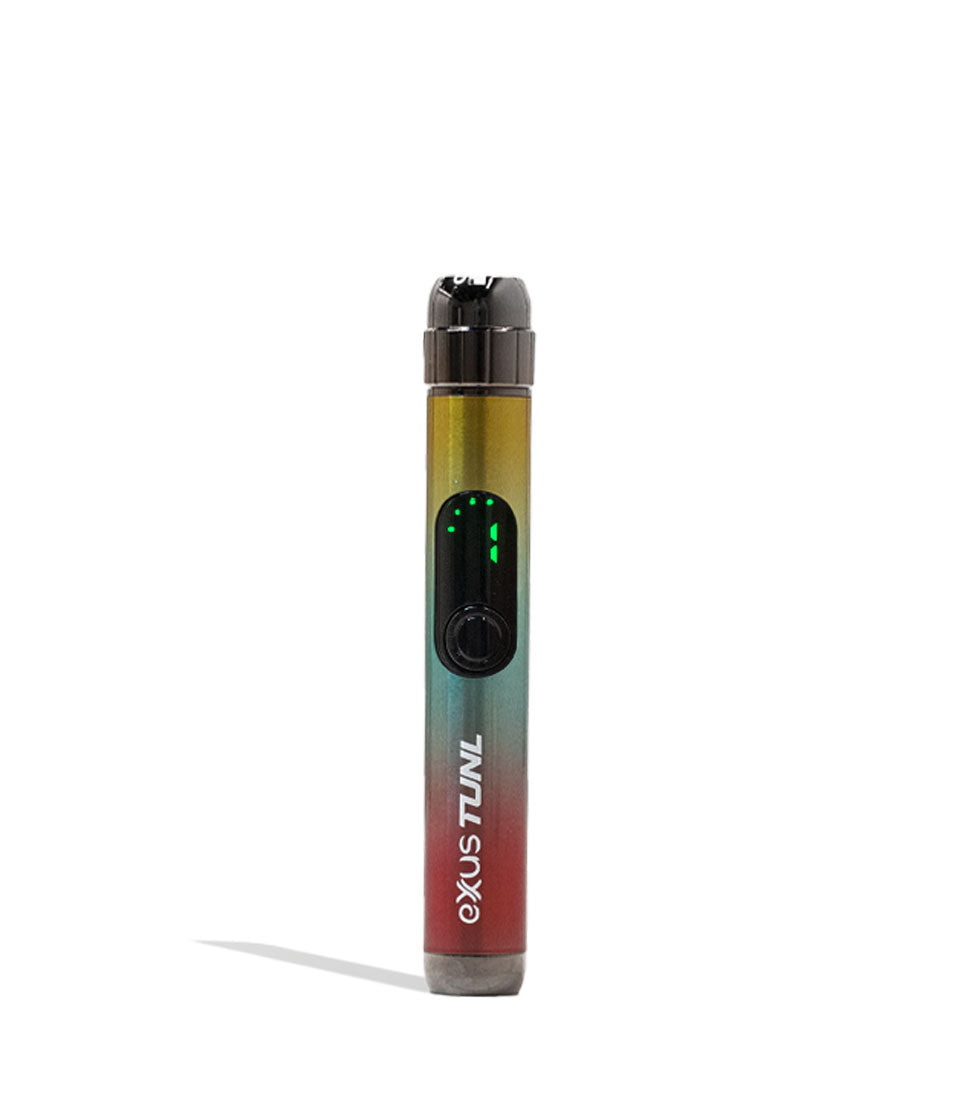
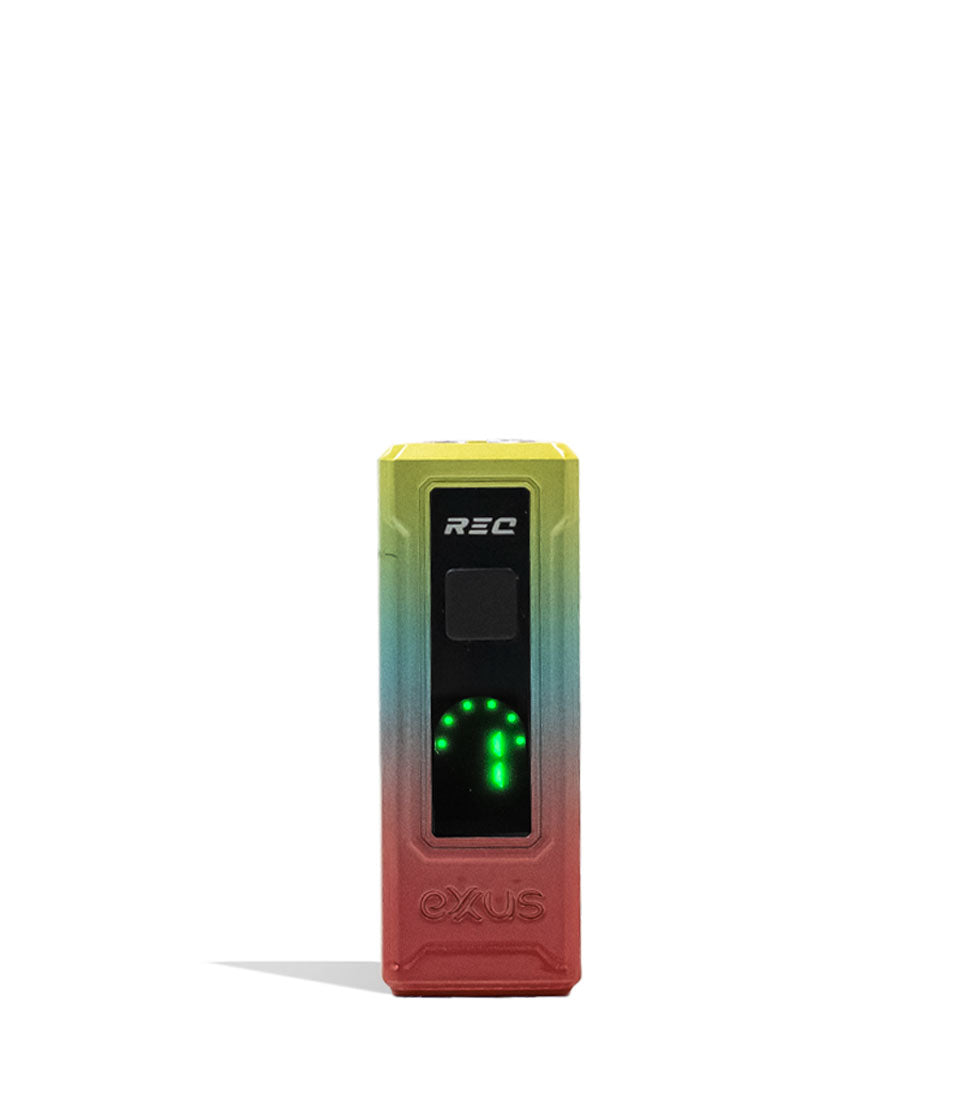
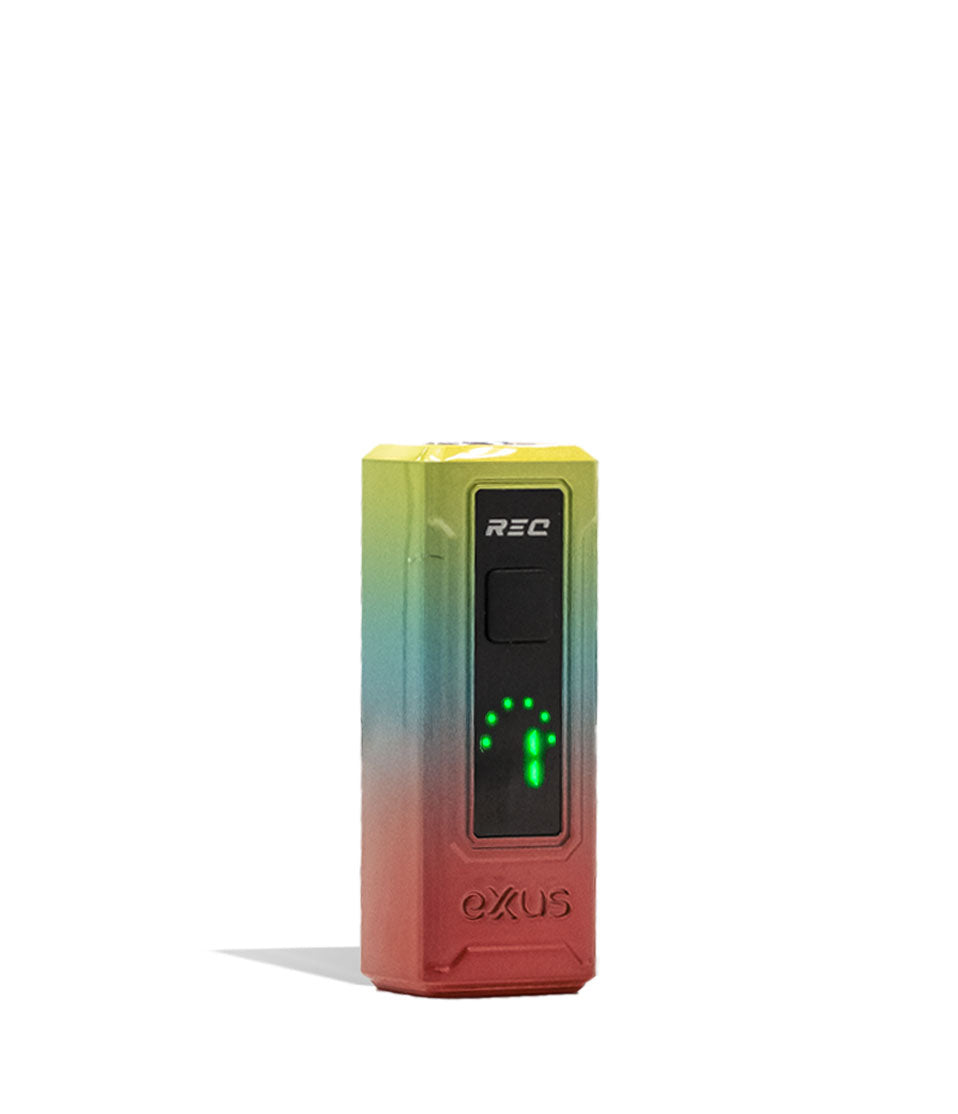
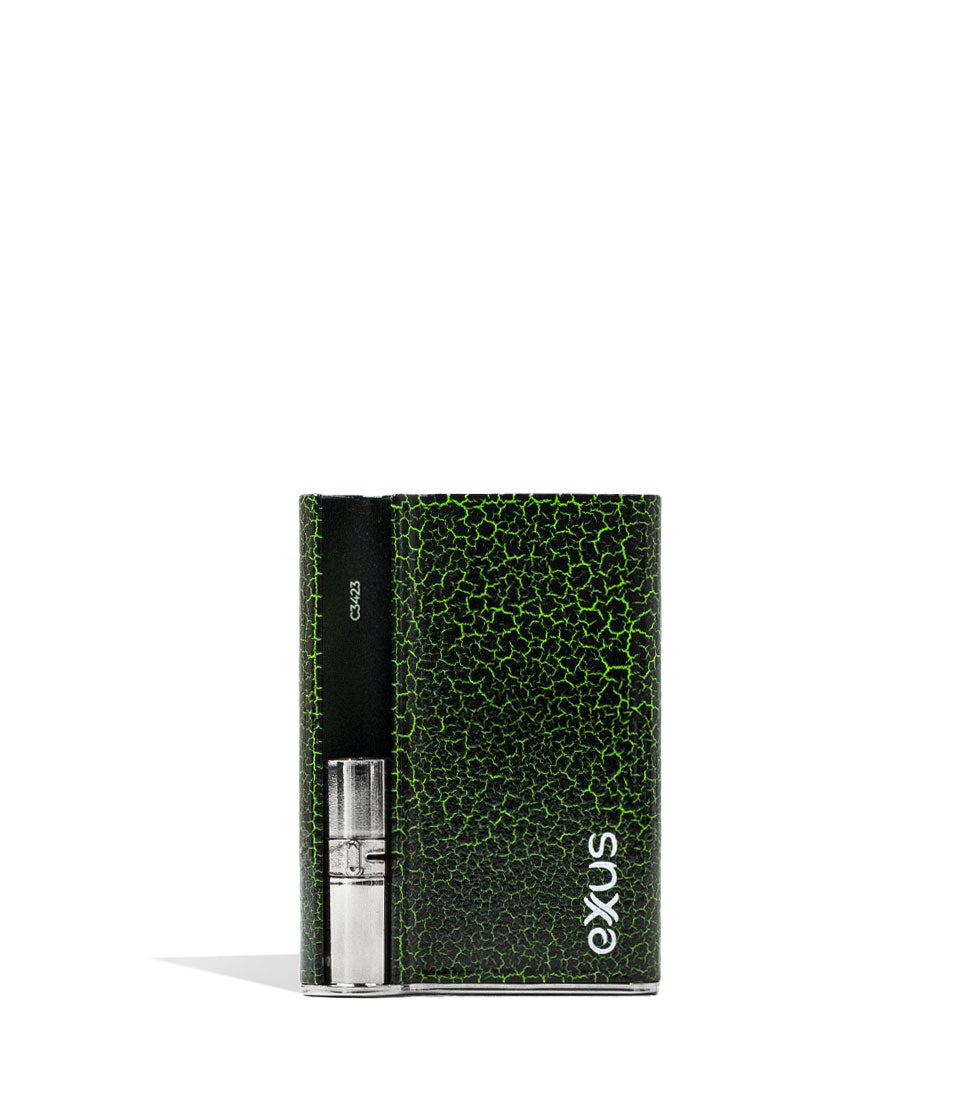
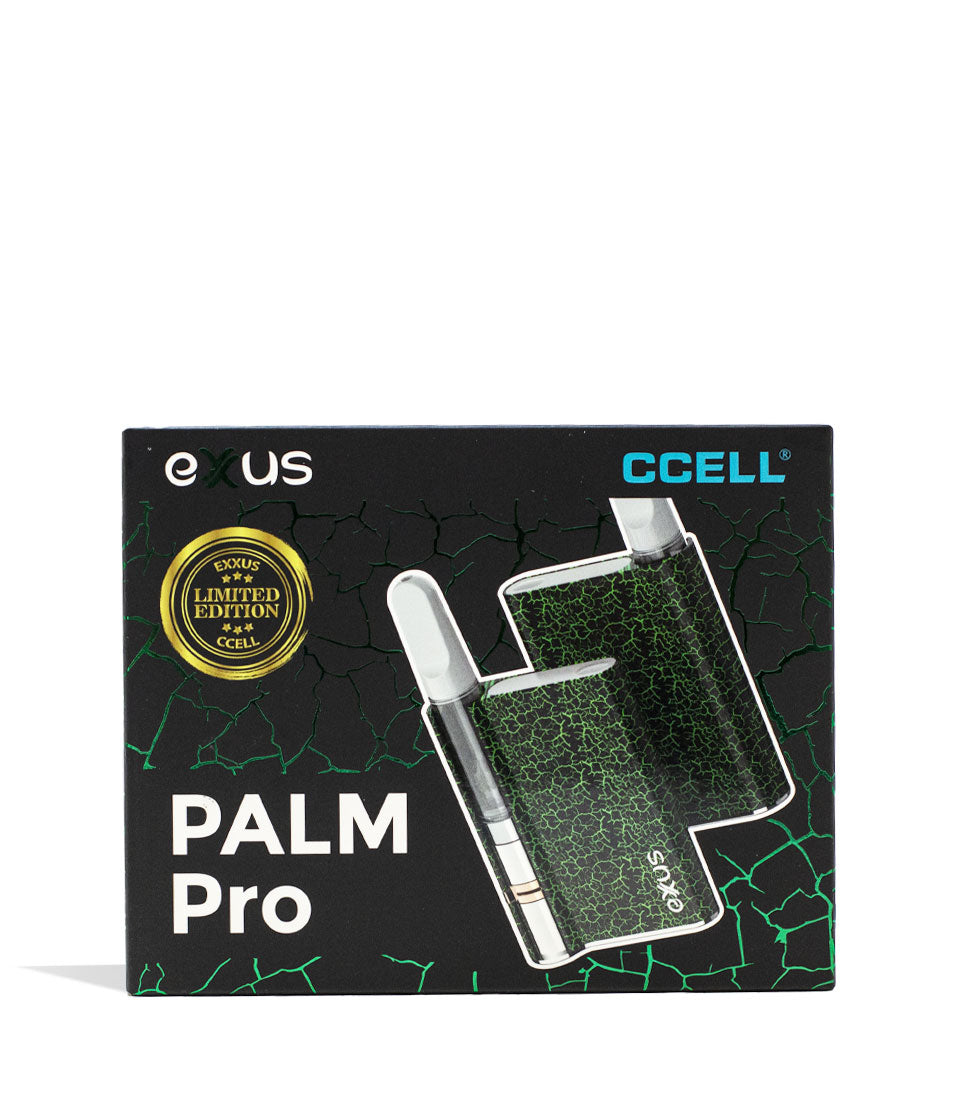
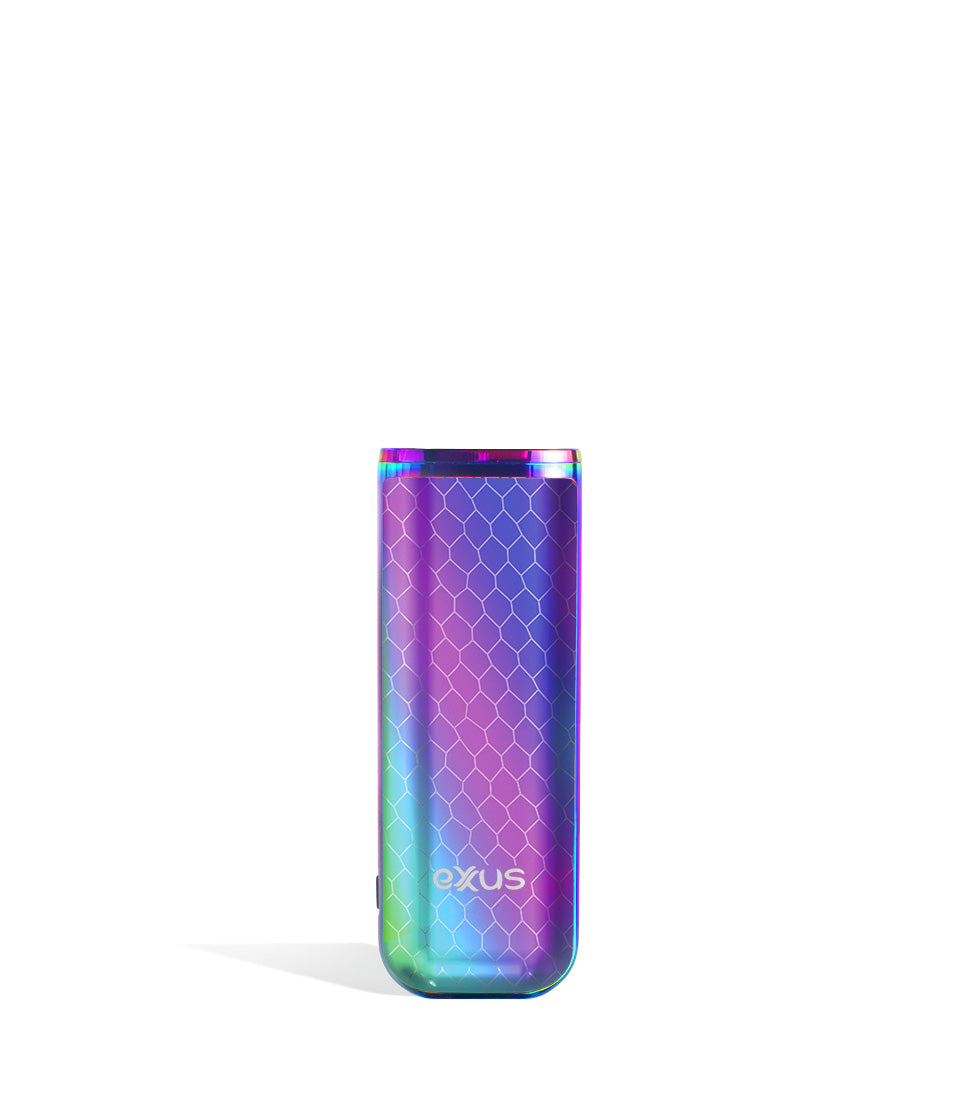
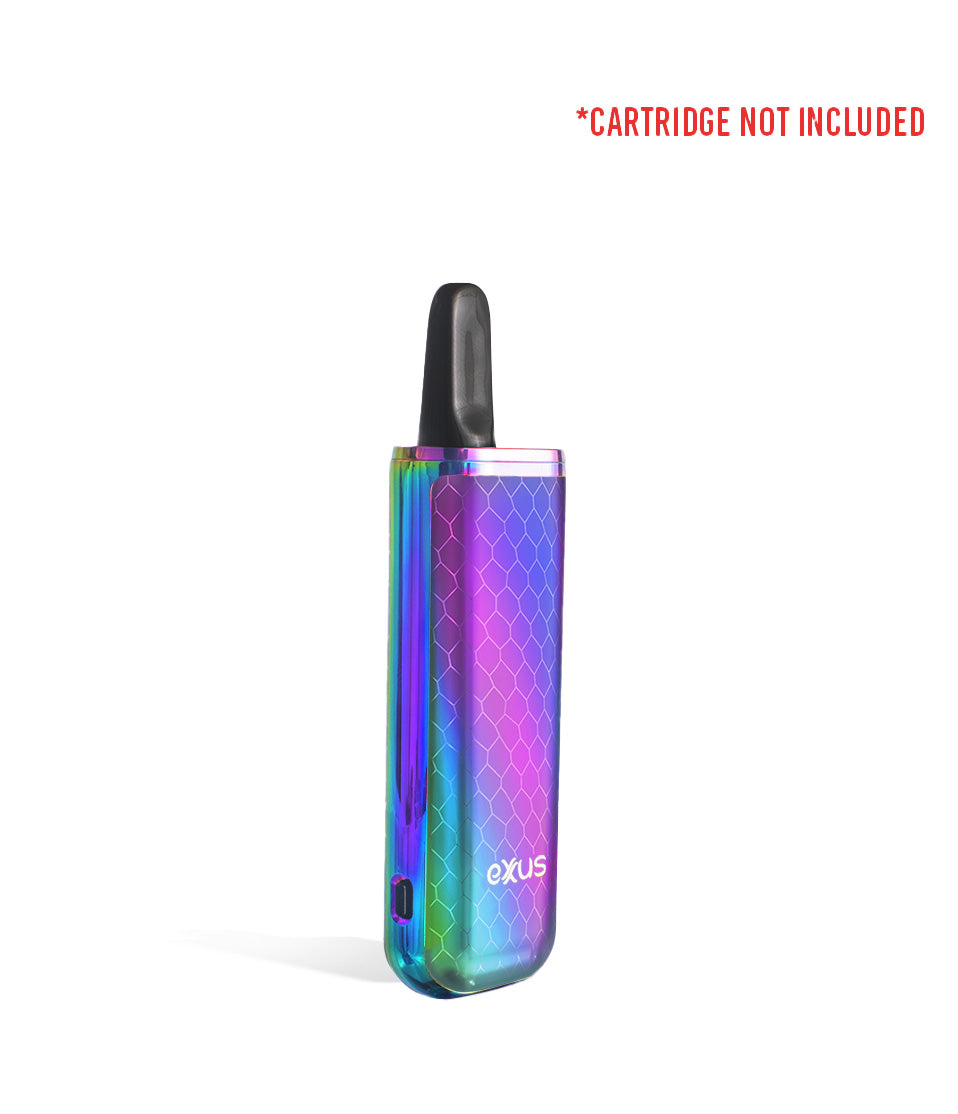
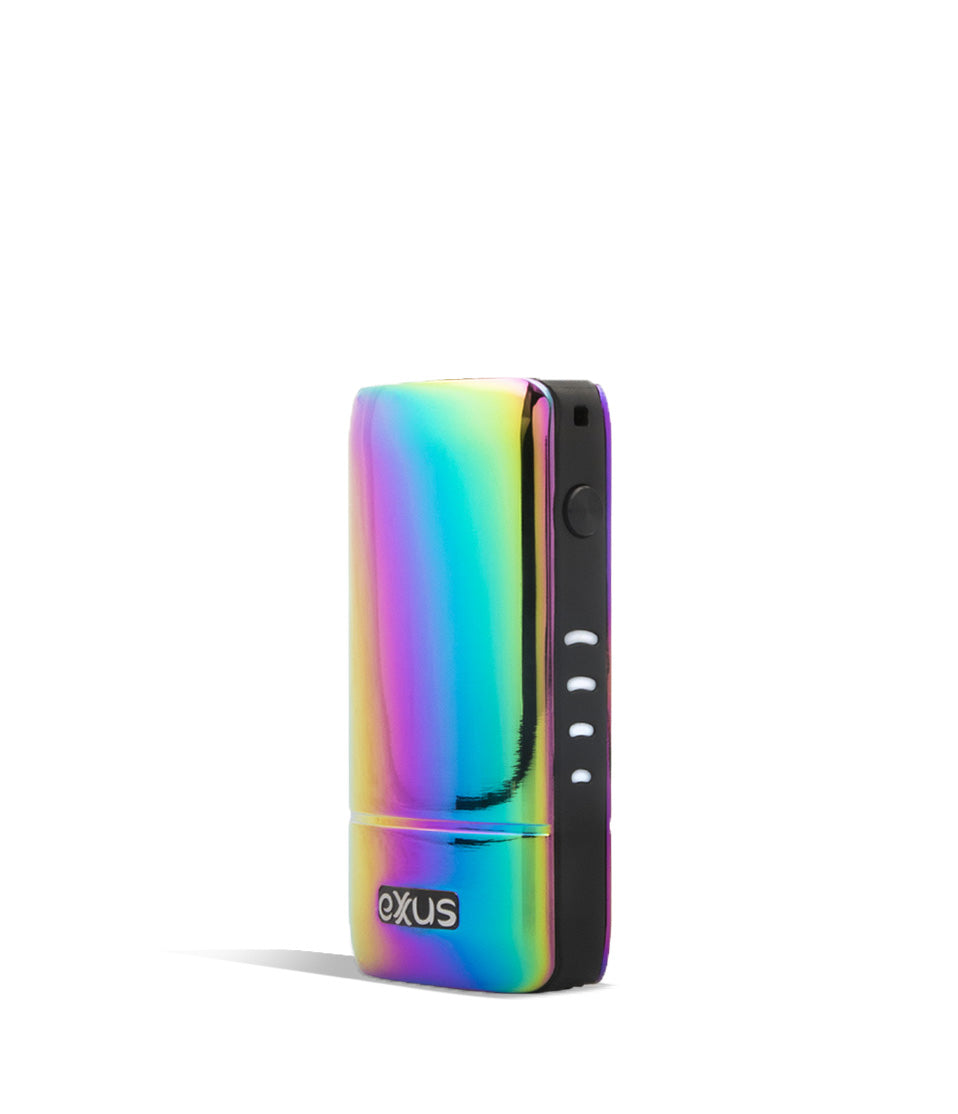
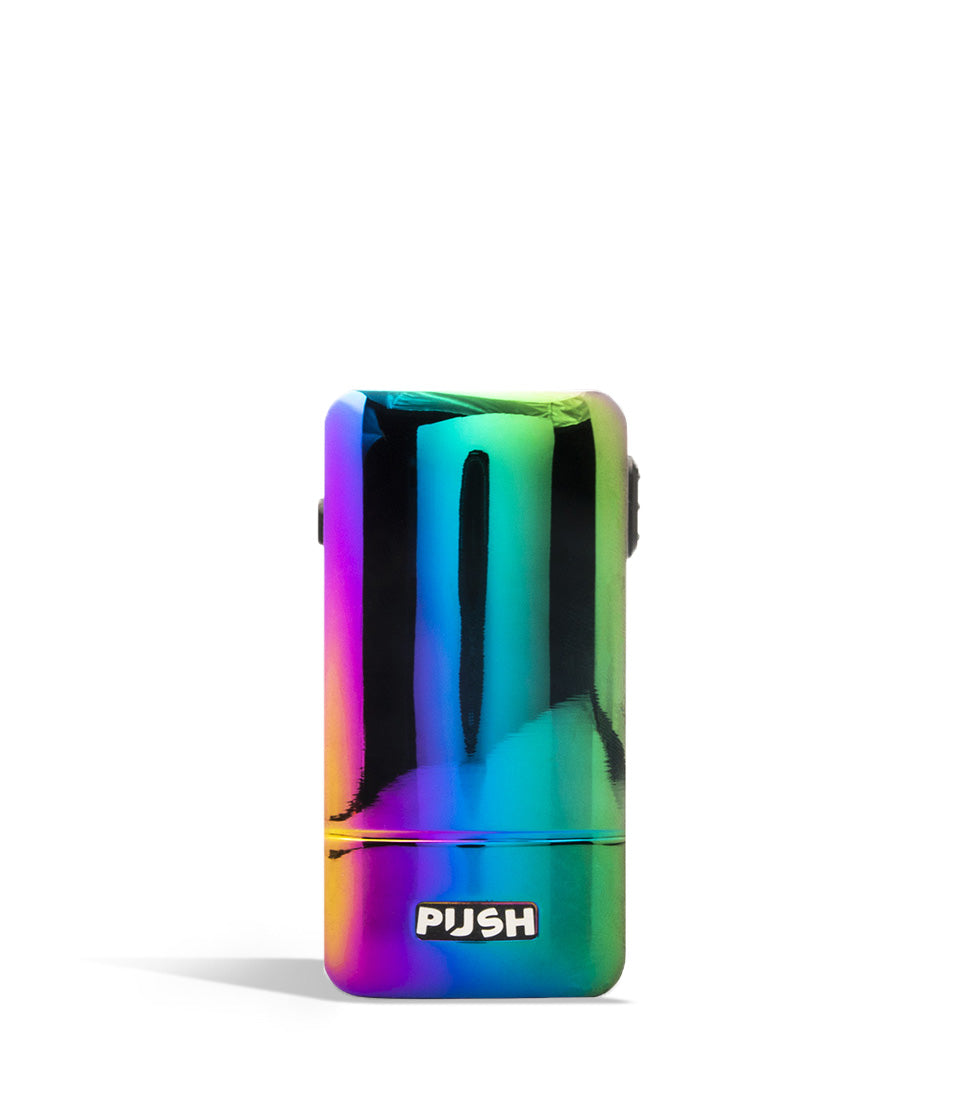
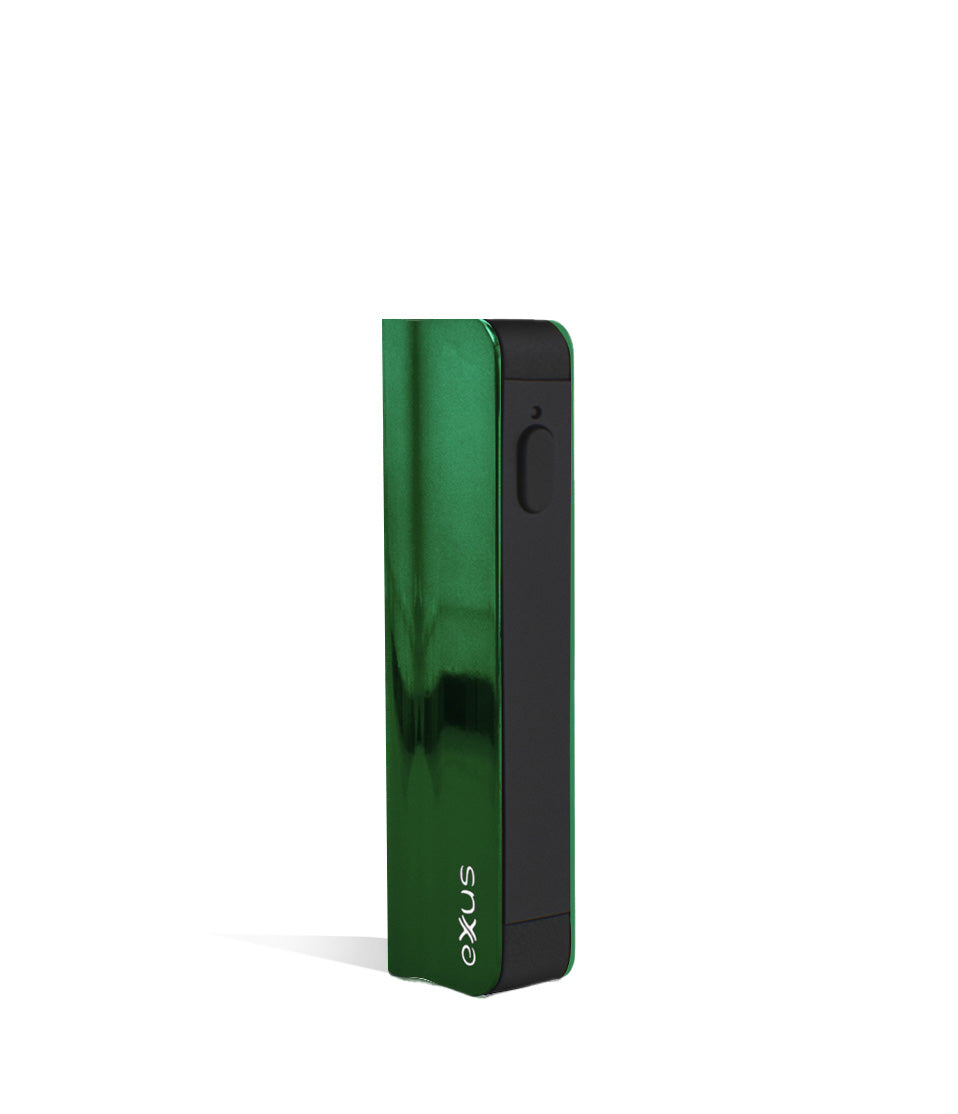
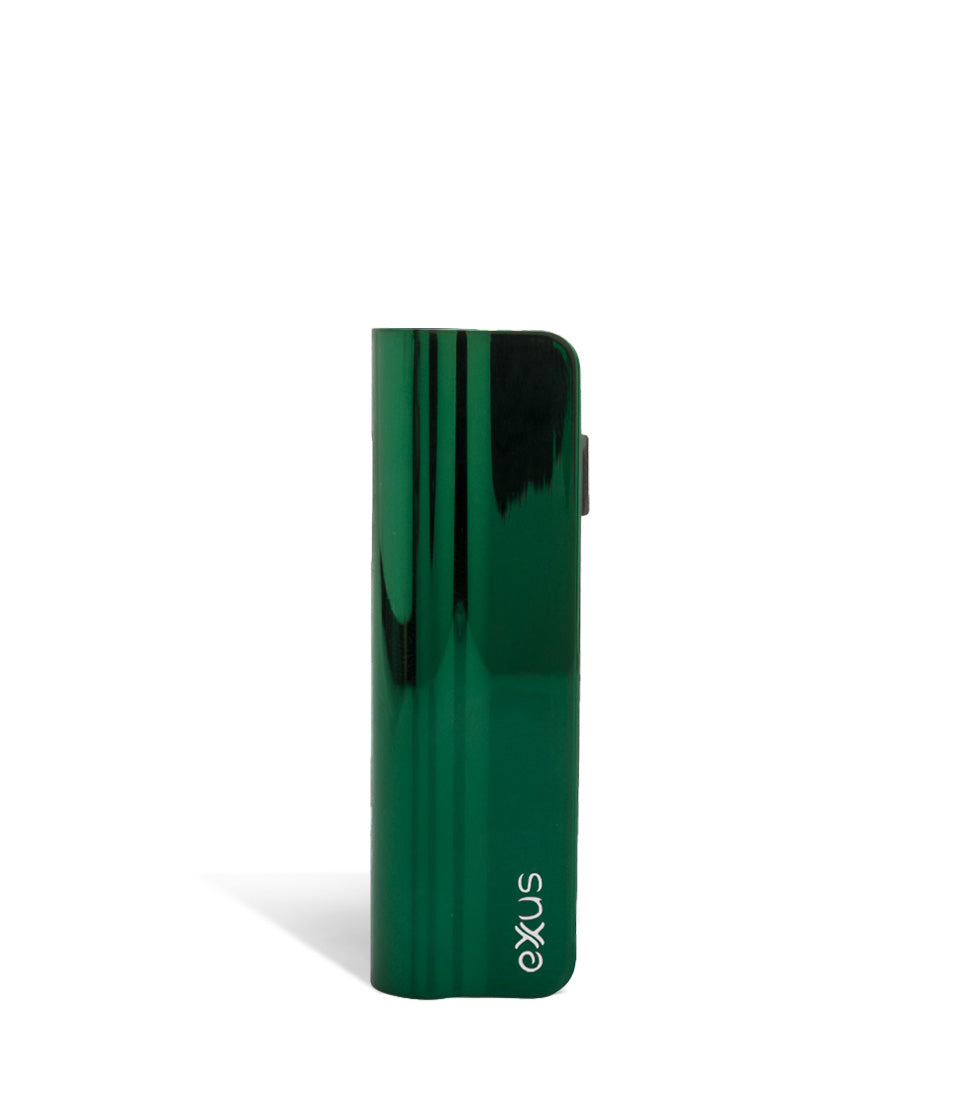
- Exxus auto-draw devices include favorites like the Tap VV, Slim 2.0, Minovo, and Palm Pro.
- Hands free auto-draw feels more natural than holding a button for every hit.
Questions This Resource Answers
- How do you tell if a cartridge is auto-draw compatible?
- How does an auto-draw vaporizer work?
- What kind of cartridge does an auto-draw vape need?
- Which Exxus devices use auto-draw?
Recommended Products
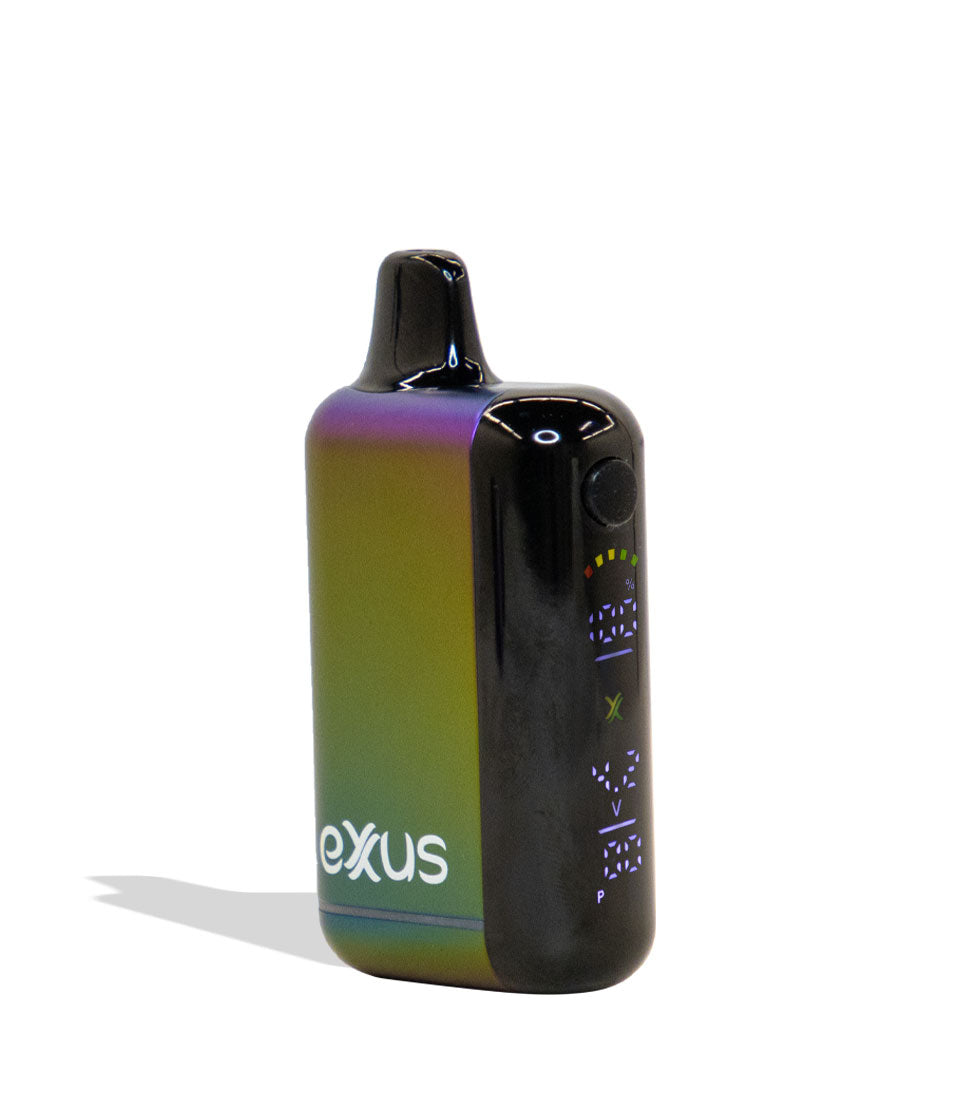
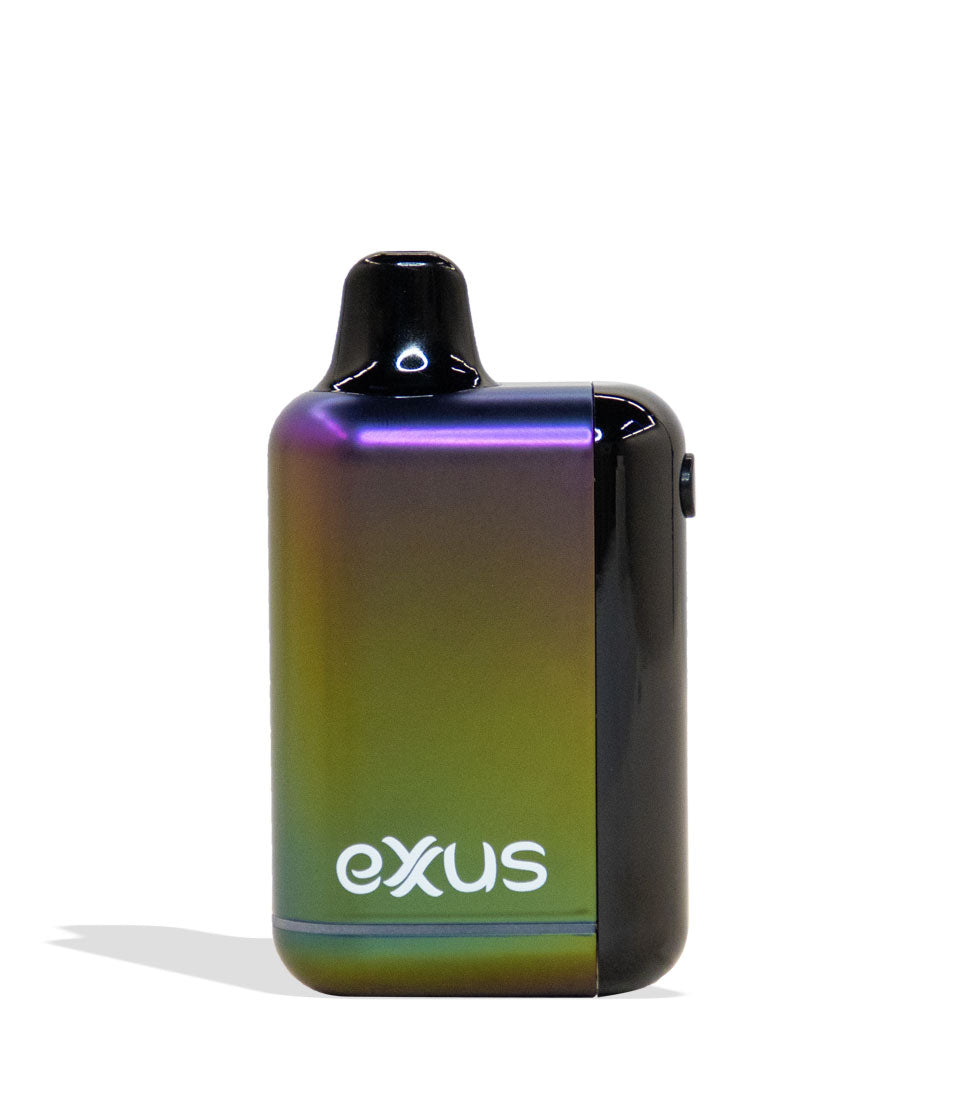
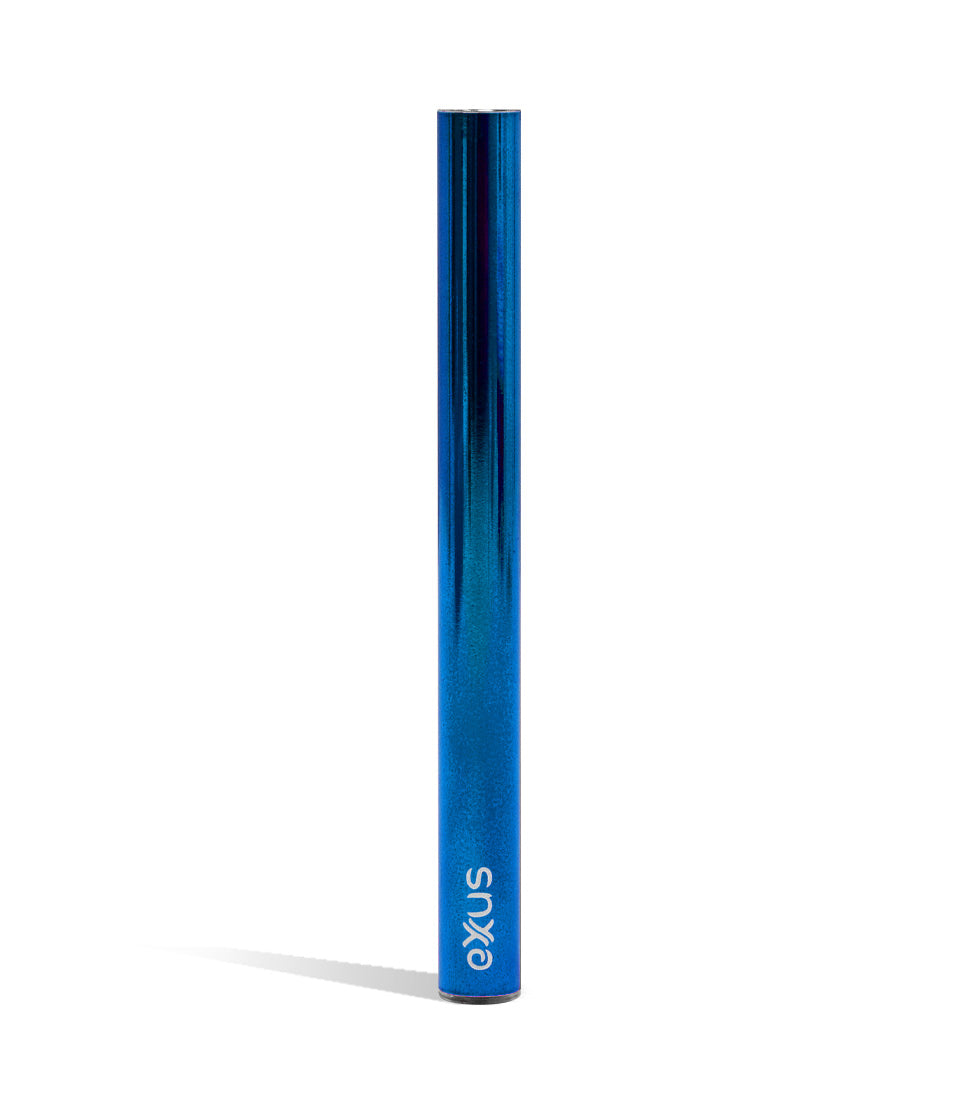
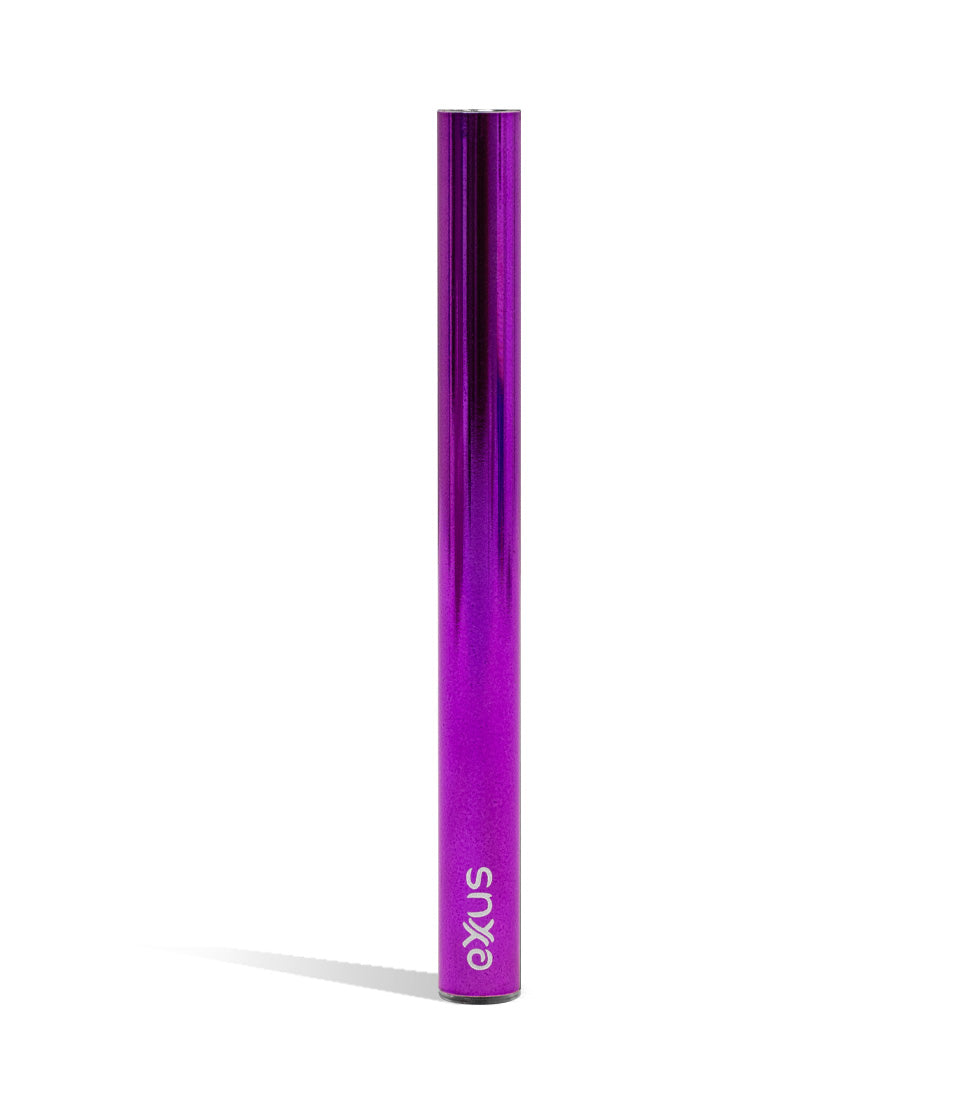
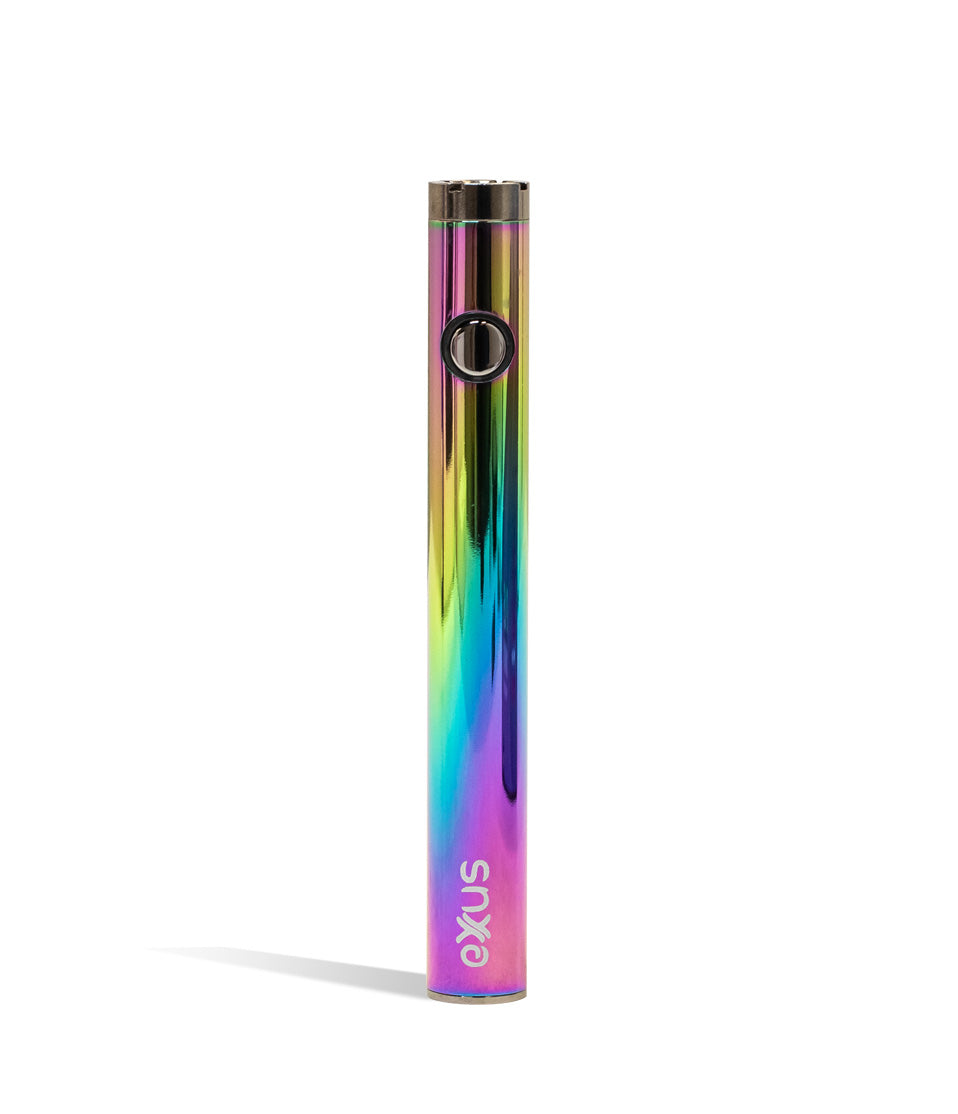
Shop 510 Thread Batteries
Shop the devices and gear called out in this guide.
How-To
Complete How-To
Below, the full guide builds on the quick brief with detailed product considerations and buying guidance to steer your choice.
In the world of 510 thread batteries there exists two leading schools of thought in terms of basic functionality, those that follow the manual button press and those that autodraw. Today we are going to focus on the autodraw vaporizers to explain a very important note that you will need specific air-hole equipt cartridges in order to use your piece. Continue on to see why you need these specific cartridges, how your auto-draw vape works, and some awesome Exxus vapes that utilize this great inhalation technology.
What Kind of Cartridge Do I Need For My AutoDraw Vape?
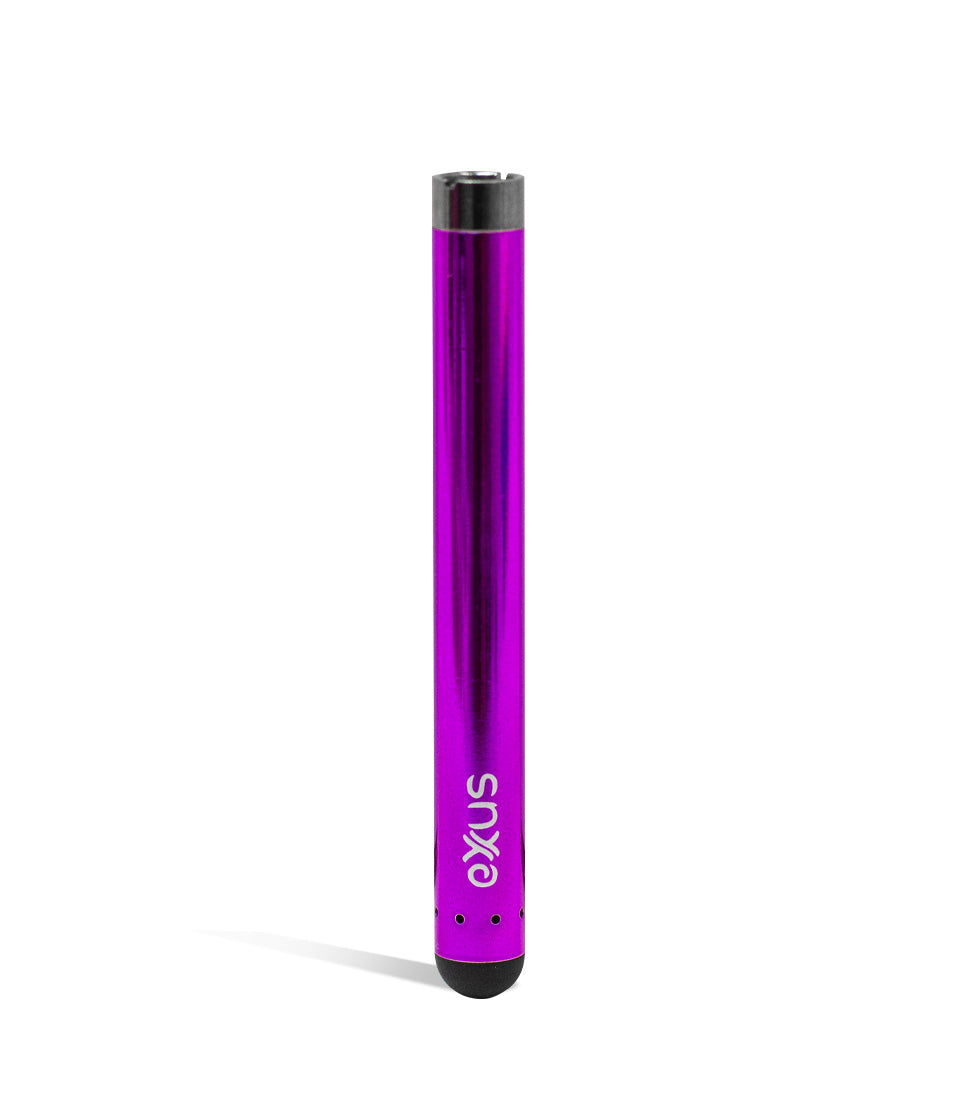
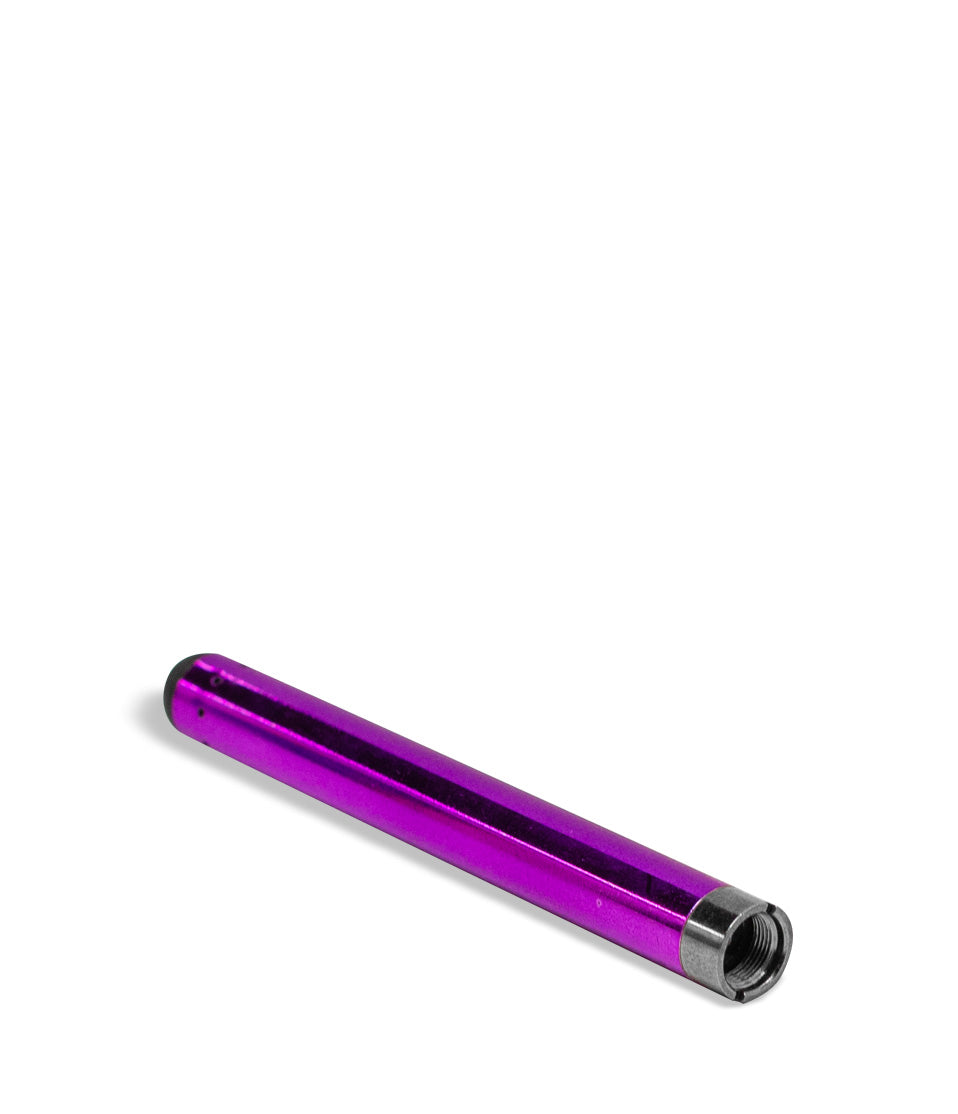
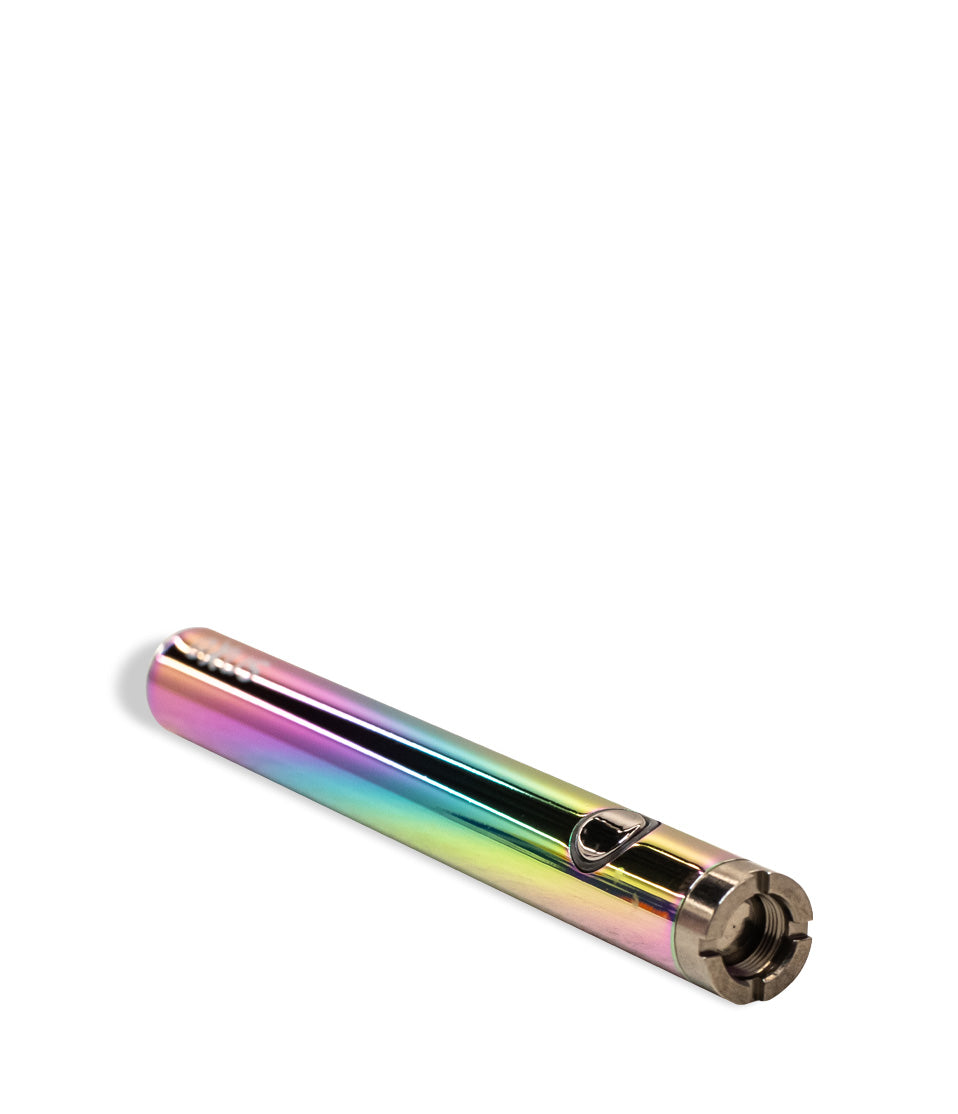
While the Tap VV, Slim 2.0, and Palm Pro all included universal 510 threaded connections, the reality is that due to their auto-draw nature you will need a cartridge that also features an airflow hole on the bottom to allow it to function.
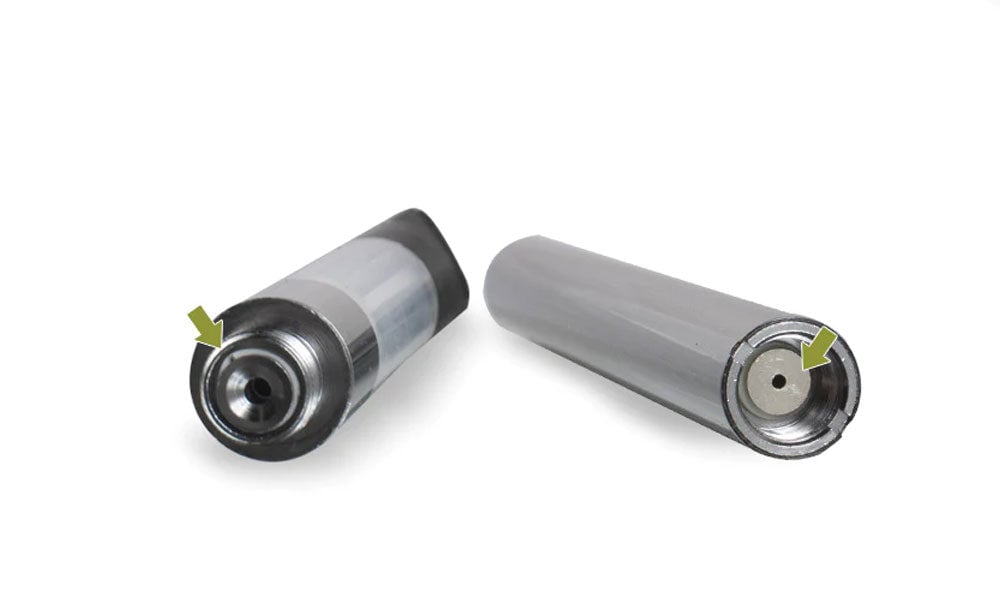
To check if your cartridge has the proper air hole functionality simply look within the 510 threading and see if there is a hole on the bottom that feeds directly into the cartridge itself. This necessary hole allows for the air sensors within your AutoDraw vaporizer to properly function and for air to flow directly though your cartridge and into your mouth.
How Does My AutoDraw Vape Work?
Much as the name suggests your AutoDraw vaporizer functions purely off of your inhales, allowing for a relaxing buttonless experience you can pick up and start puffing away on. Packed within your vaporizer is a surprising amount of technology that allows your auto-draw device to utilize an air sensor that can tell when air is passing by from an inhale in order to activate the vaporizing mechanics to provide you with an effortless hit.
In the same way that the air sensor notices your inhalation, it also notices the absence of such air and that is how it stays powered down, thus allowing for it to be always ready. Thanks to the auto-draw technology you can have the ultimate ease of access when it comes to blowing clouds with zero hassle.
What Exxus Vapes Feature Autodraw?
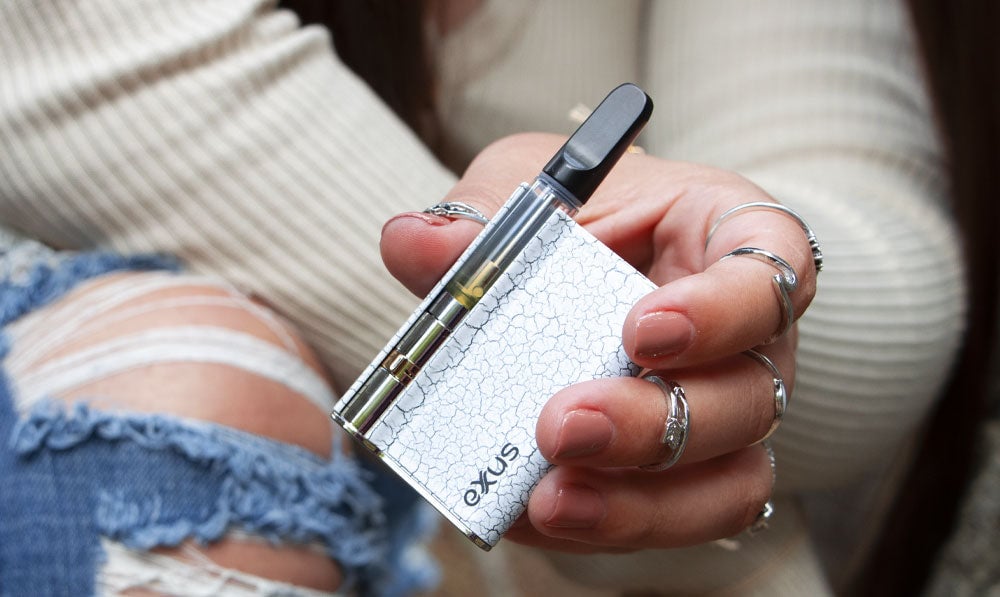
Exxus has a diverse selection of autodraw vaporizers that allow for you to choose the perfect one for yourself from favorites such as the Tap VV, Slim 2.0, Minovo, and Palm Pro! All of these great vapes utilize the hands free autodraw technology for a smoother operation that feels much more natural than holding down a button each time you need a hit. Peruse all of these great vapes here at Exxus Vapes Online and check out which one is your perfect fit!
Frequently Asked Questions
How-To FAQs
Common questions about this guide and how to put the information to work when choosing your device.
How do I know if my cartridge works with an auto-draw vape?
How does auto-draw actually work?
Which Exxus vapes are auto-draw?
What happens if I use a cartridge without an airflow hole?
Exxus Trust Center
About This Resource
A quick look at how the Exxus team researches, reviews, and keeps this resource current.
Editorial Standards
- Written for the vapers actually shopping for and using this gear.
- Checked for accuracy, clarity, and real everyday usefulness.
- Built on the latest maker specs and official docs whenever we have them.
- Kept current as devices, rules, and the category keep moving.
- Backed by real hands-on time with the hardware.
- Made to help you land on the right device without second-guessing.
Research Methodology
Every step here comes from actually running the device, not skimming a manual. We break down setup, daily use, and the small tricks that make each session smoother, so you can follow along at home with zero guesswork.
- Real time spent with the device
- Setup and first session walkthrough
- Cleaning, upkeep, and quick fixes
- Answers to the questions people actually ask
- Safe, responsible operation
- How it holds up in daily use
- A final read for clarity and accuracy
Article Information
Intended Audience
- Everyday customers
- First-time buyers
- Experienced enthusiasts
- Dry herb users
- Concentrate users
- Anyone upgrading their setup
Editorial Policy
The Exxus Resource Center gets a regular once-over so the guidance stays reliable. As devices evolve, rules change, or the category shifts, we revisit articles and stamp them with a fresh review date. Real guidance you can lean on, session after session.
Keep Exploring
Related Resources
Continue with more Exxus resources chosen to help you get even more from your device.
Category Guide
Heard about preheating cartridges? Get all of your preheating questions answered here in this Exxus Vape breakdown of this powe...
Read Resource →
How-To
Clogged oil cartridges are the worst! Learn how to fix this problem step by step, from discarding to pulling draws.
Read Resource →
Product Comparison
Explore the contrasts between vaping dry herbs and oil cartridges, covering everything from flavors to ease of use. Discover va...
Read Resource →
Product Launch