


Resource Center
How to Use Your Exxus 510 Battery: Complete Setup & Cartridge Vaping Guide

Continue With This Resource
Exxus Quick Brief
What You Should Know
A quick rundown of the main points, questions, and guidance you'll find in this guide.
Overview
Key Takeaways
- Exxus 510 batteries use standard 5-click power activation and 3-click voltage adjustment controls.
- Activating the 2-click pre-heat feature warms thick oils and cold cartridges to prevent clogs and boost cloud production.
- Lower voltage settings preserve delicate concentrate flavors, while higher voltage settings maximize vapor density and potency.
- Cleaning the 510 threaded connection with an isopropyl alcohol swab prevents oil buildup and maintains proper electrical contact.
- Storing the battery powered off in a cool, dry place protects battery lifespan and prevents accidental misfires during travel.
Questions This Resource Answers
- What steps are required to properly clean and maintain 510 battery threads and cartridges?
- How do you power on, select voltage settings, and operate an Exxus 510 battery?
- What is the proper procedure for attaching 510 oil cartridges to ensure a secure connection?
- How do lower versus higher voltage settings affect vapor taste, smoothness, and cloud potency?
- How does the pre-heat function work on an Exxus 510 battery?
Recommended Products
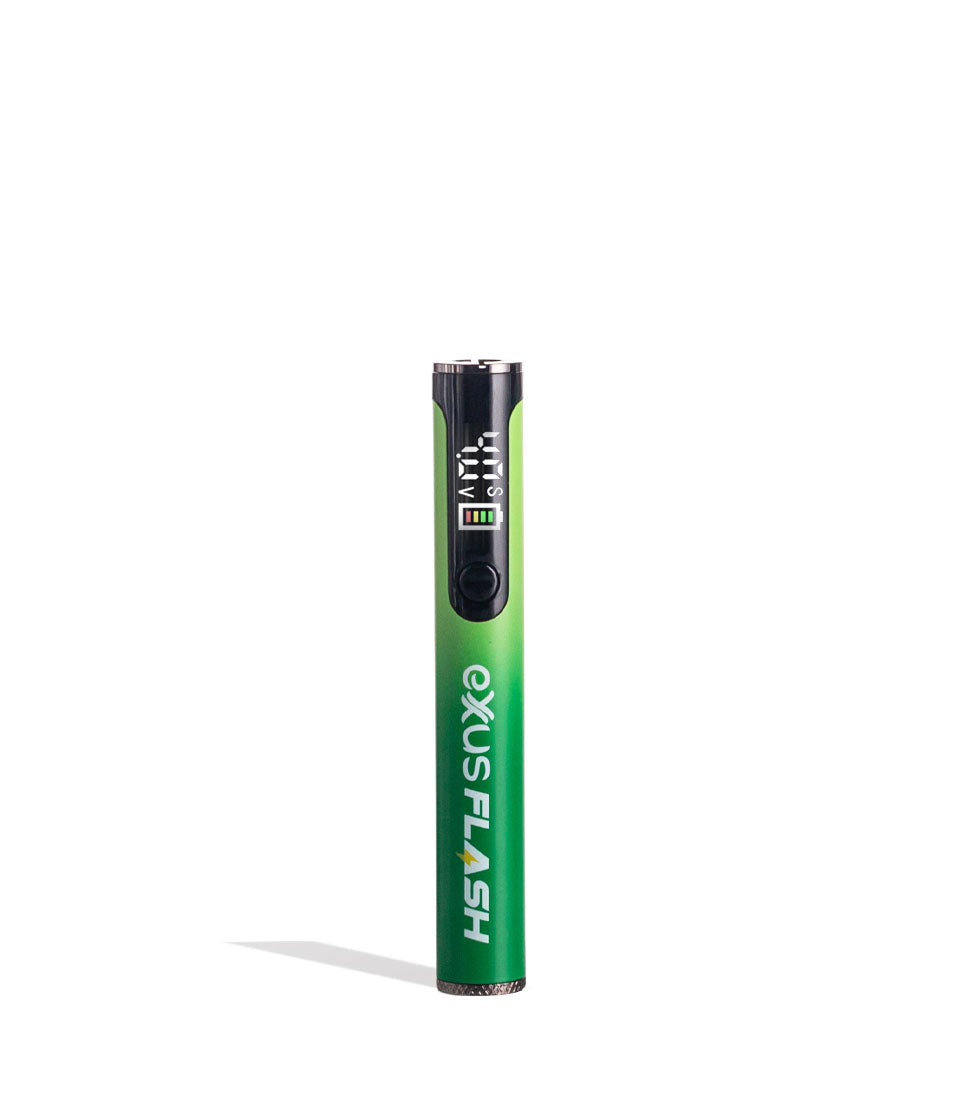
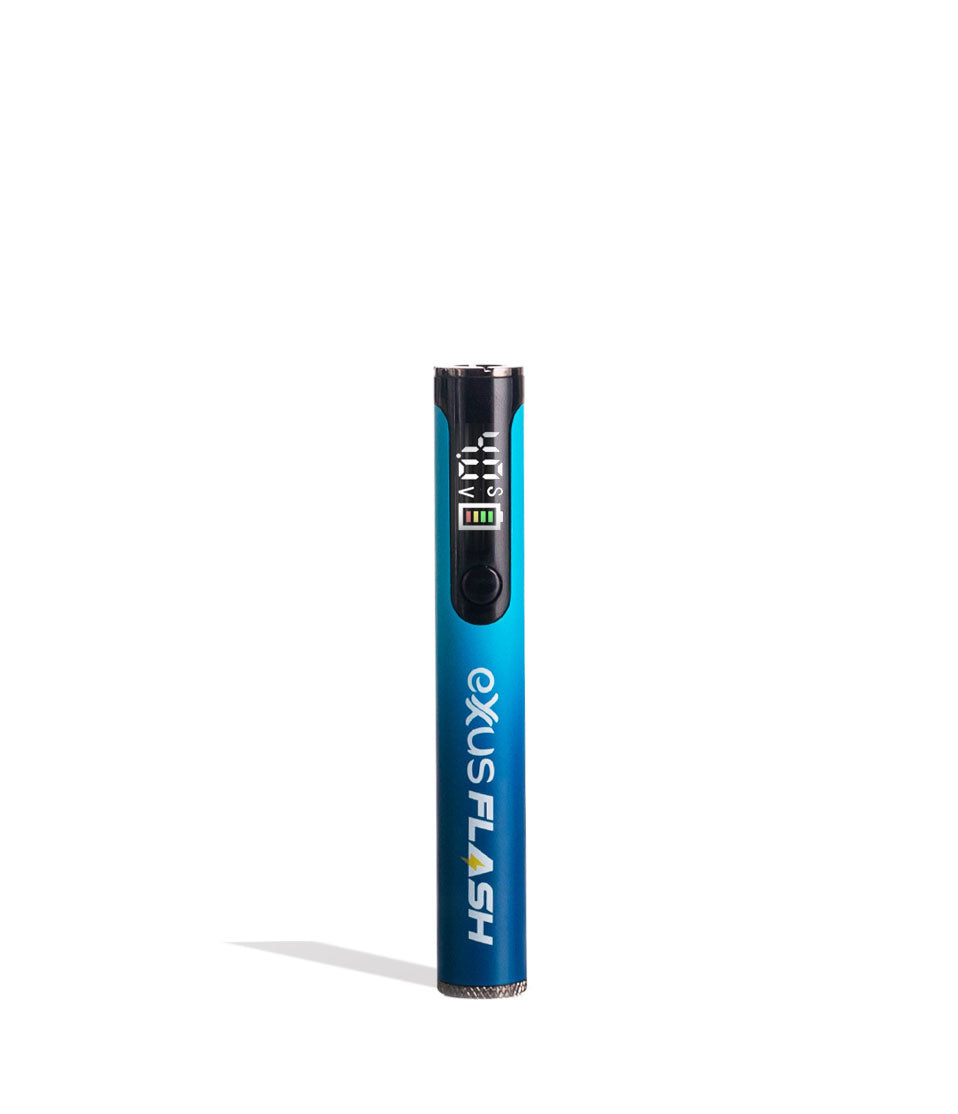
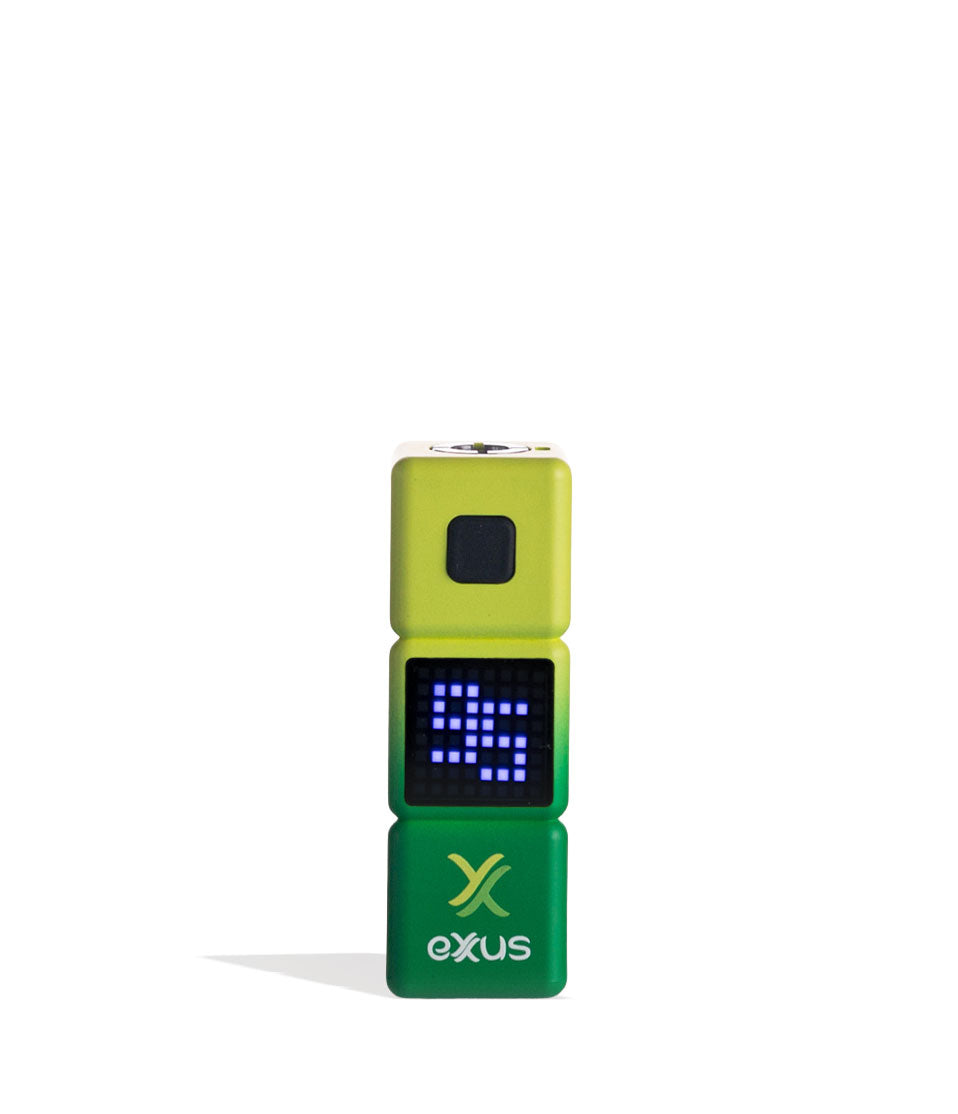
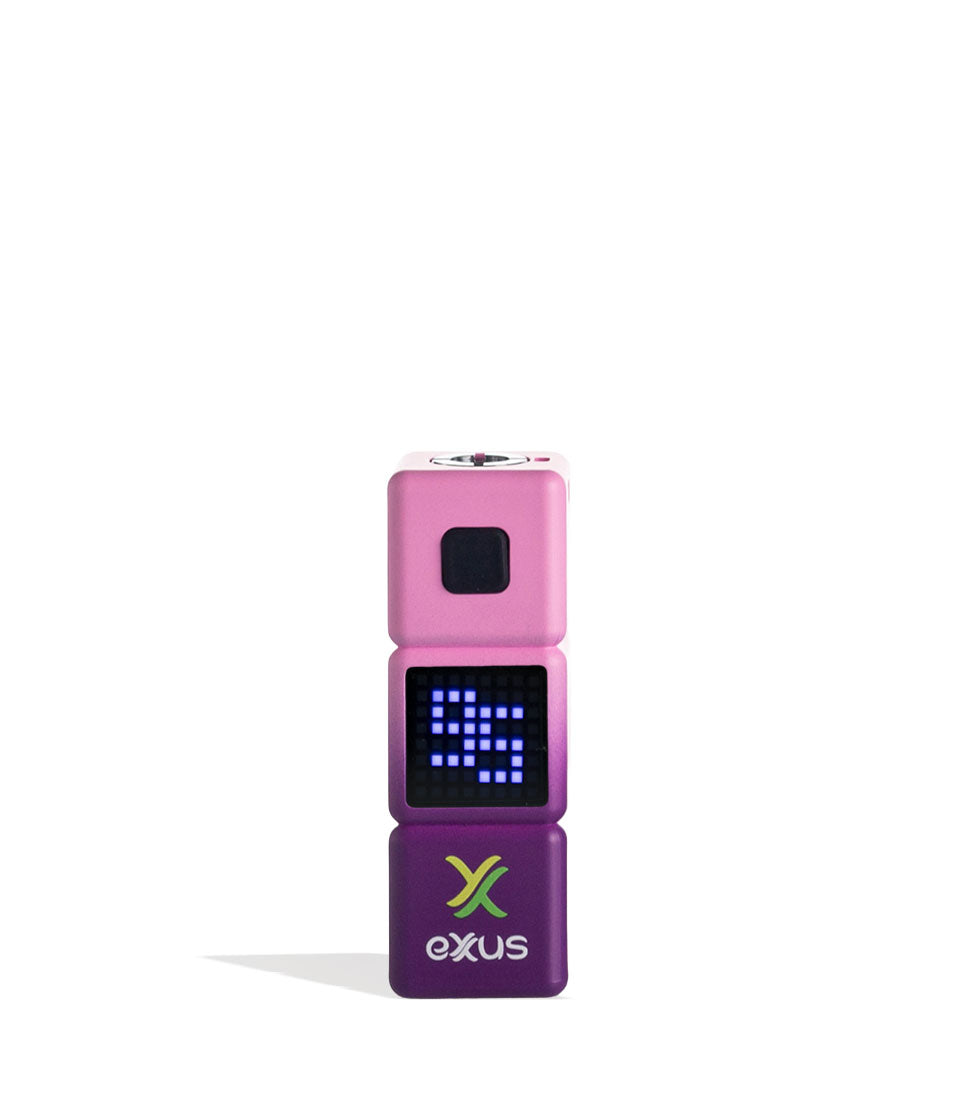
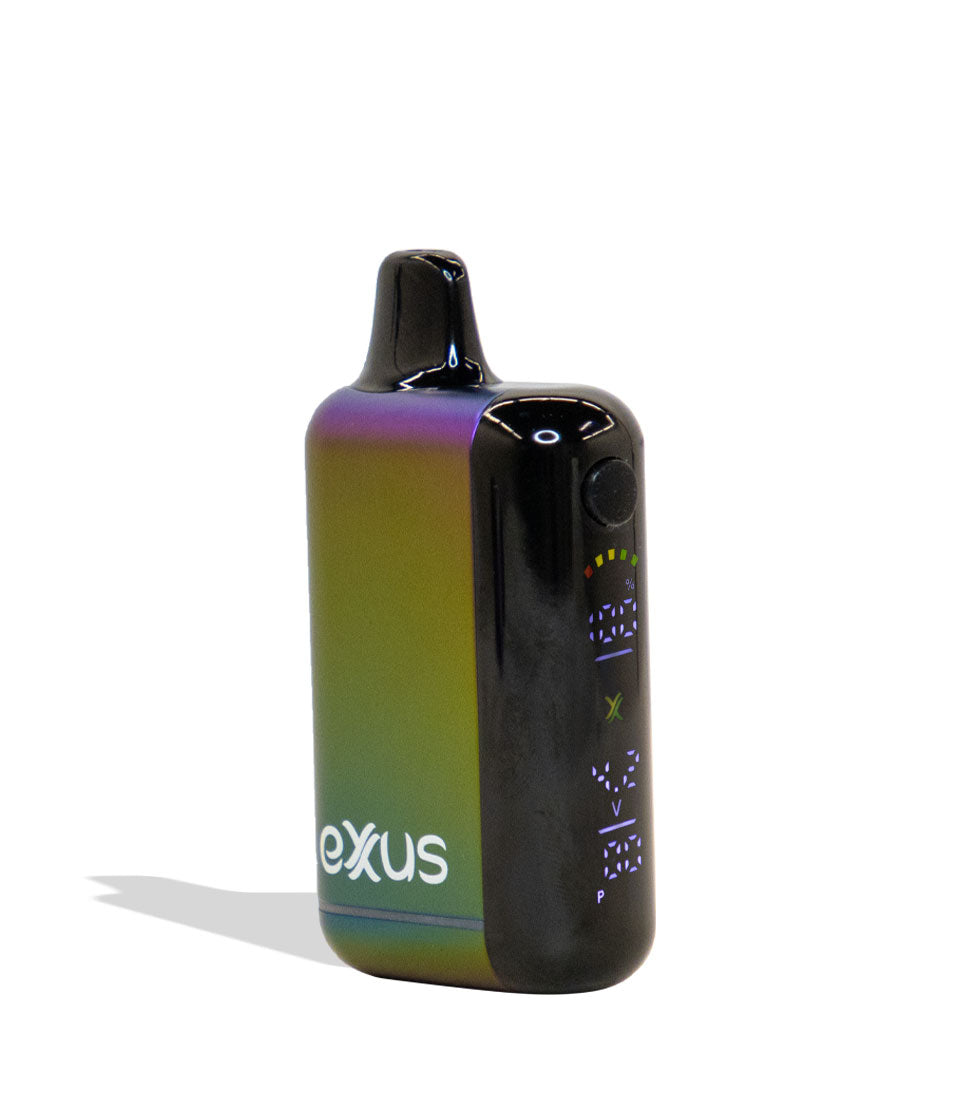
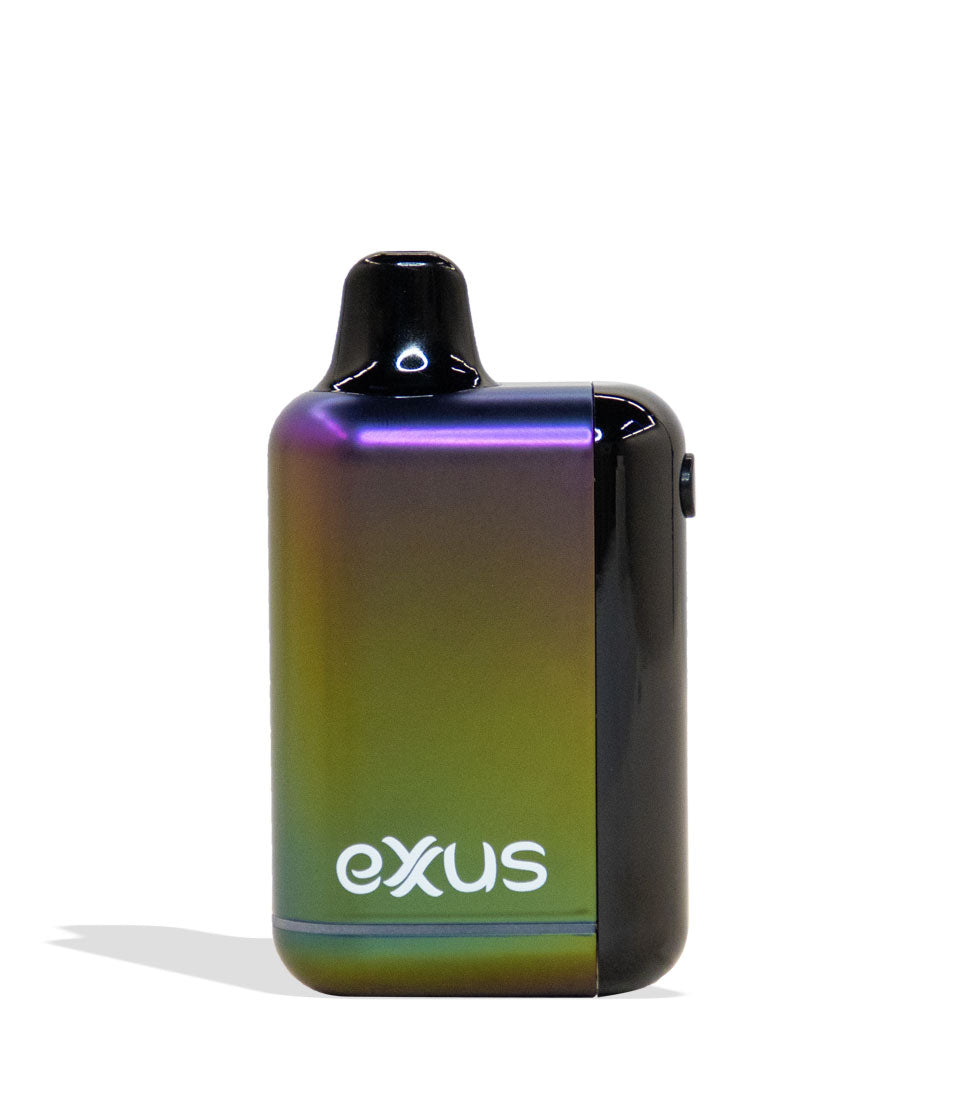
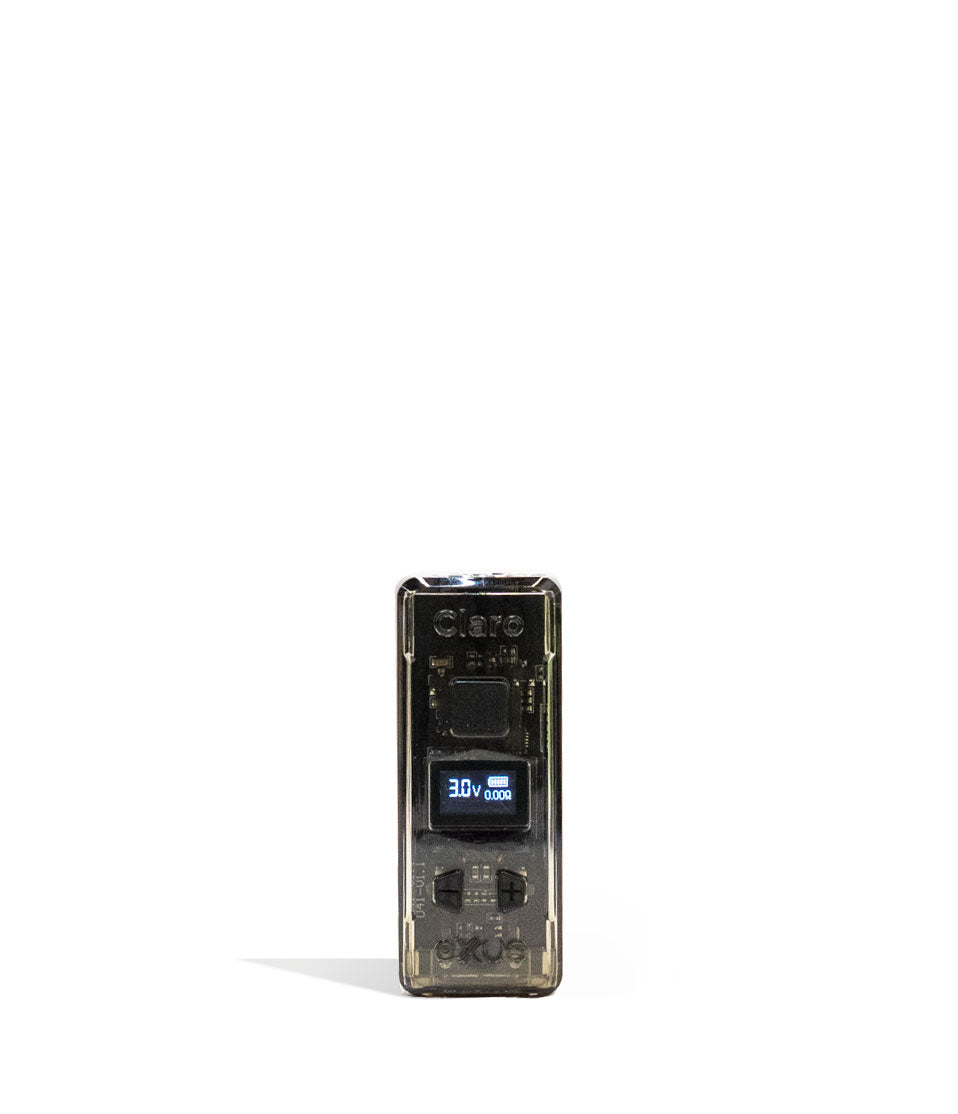
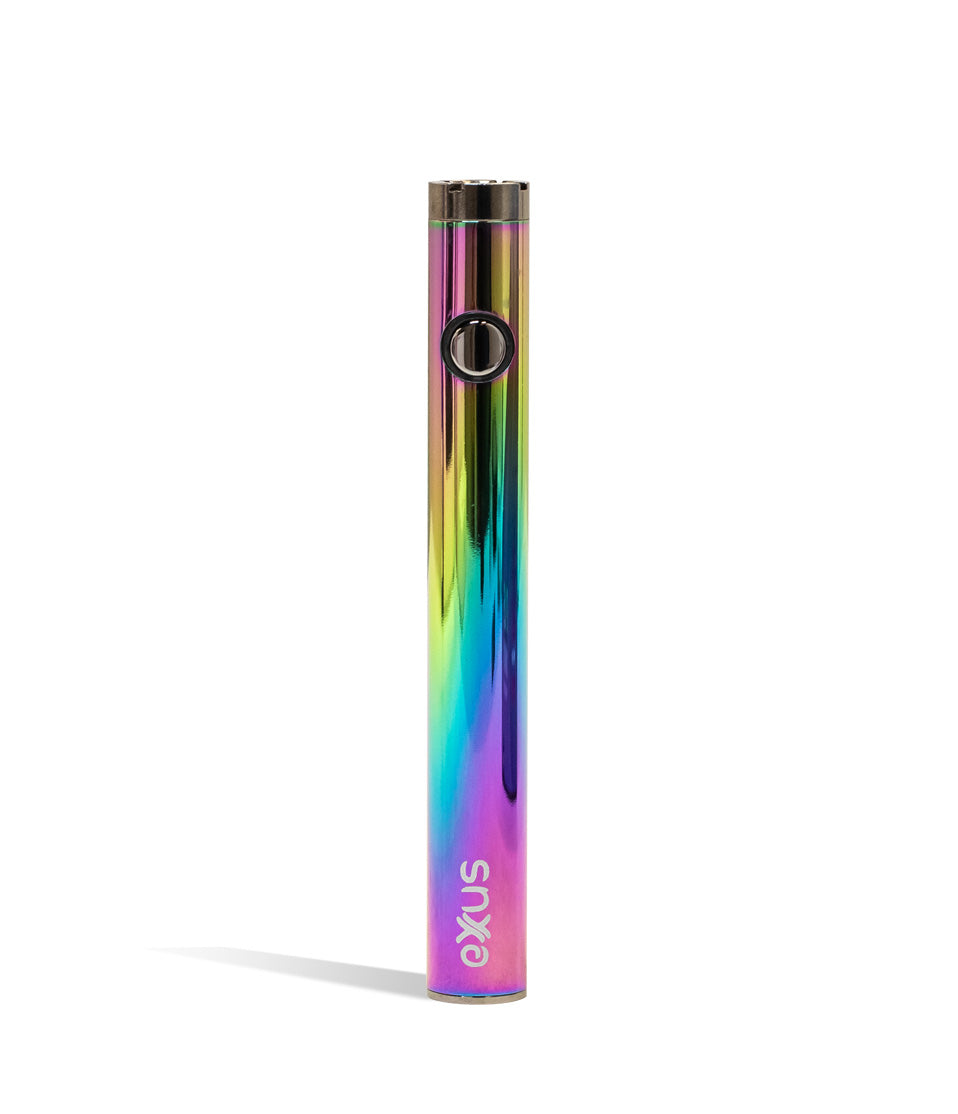
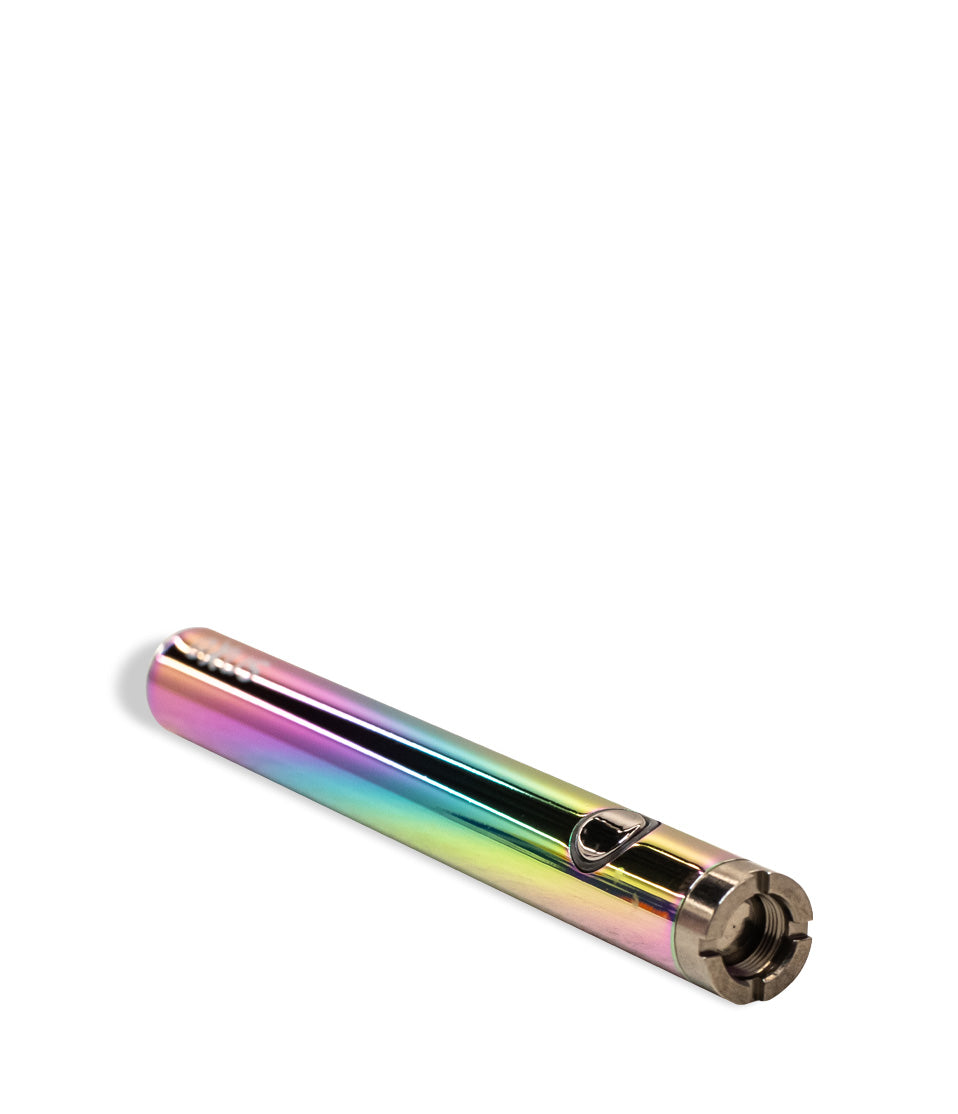
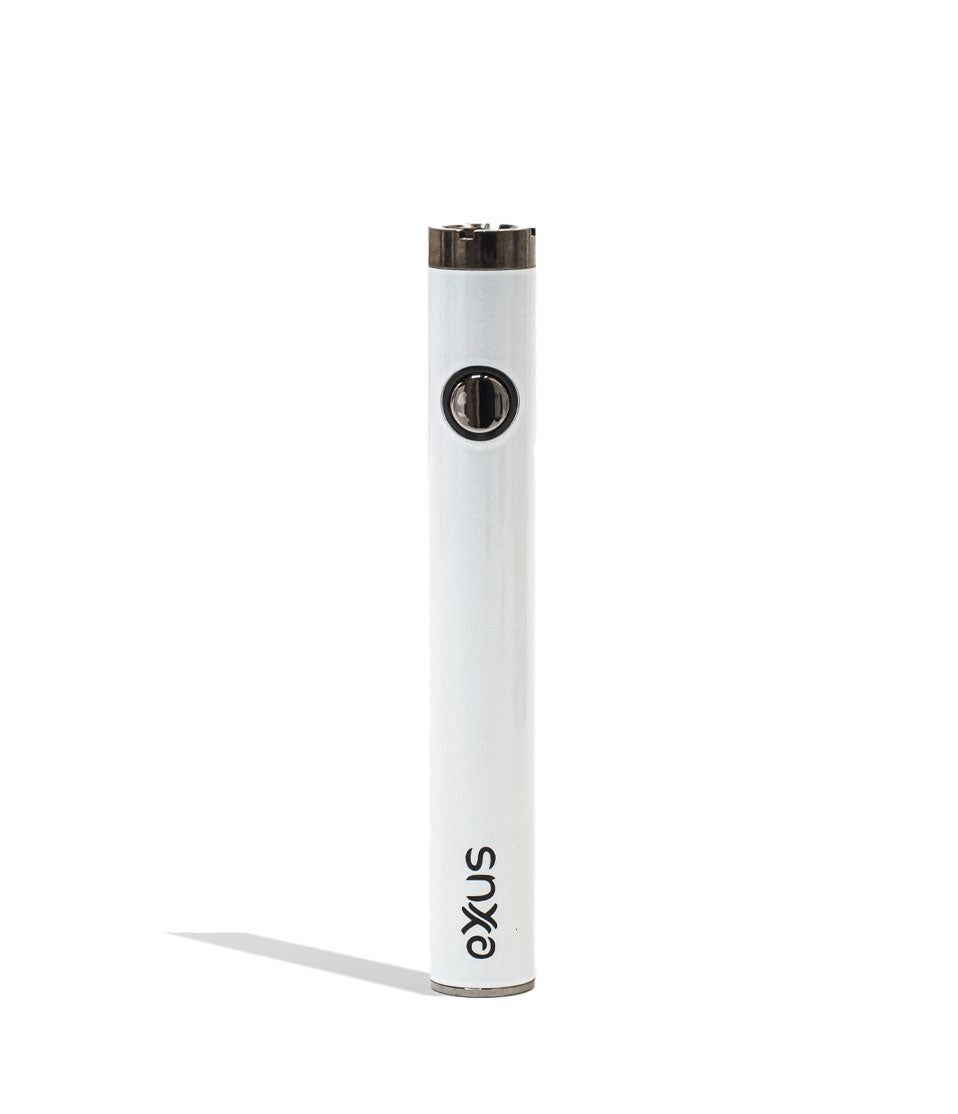
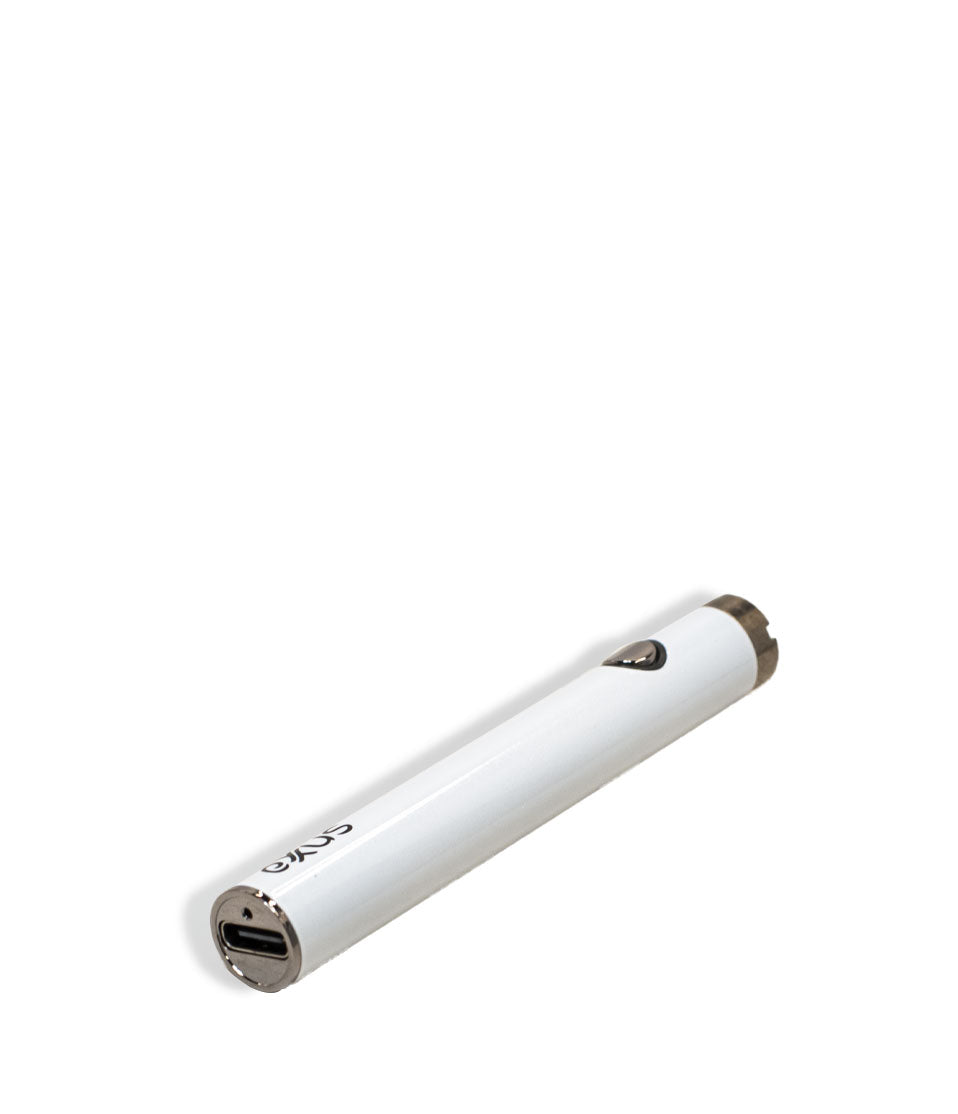
Shop Vape Pens
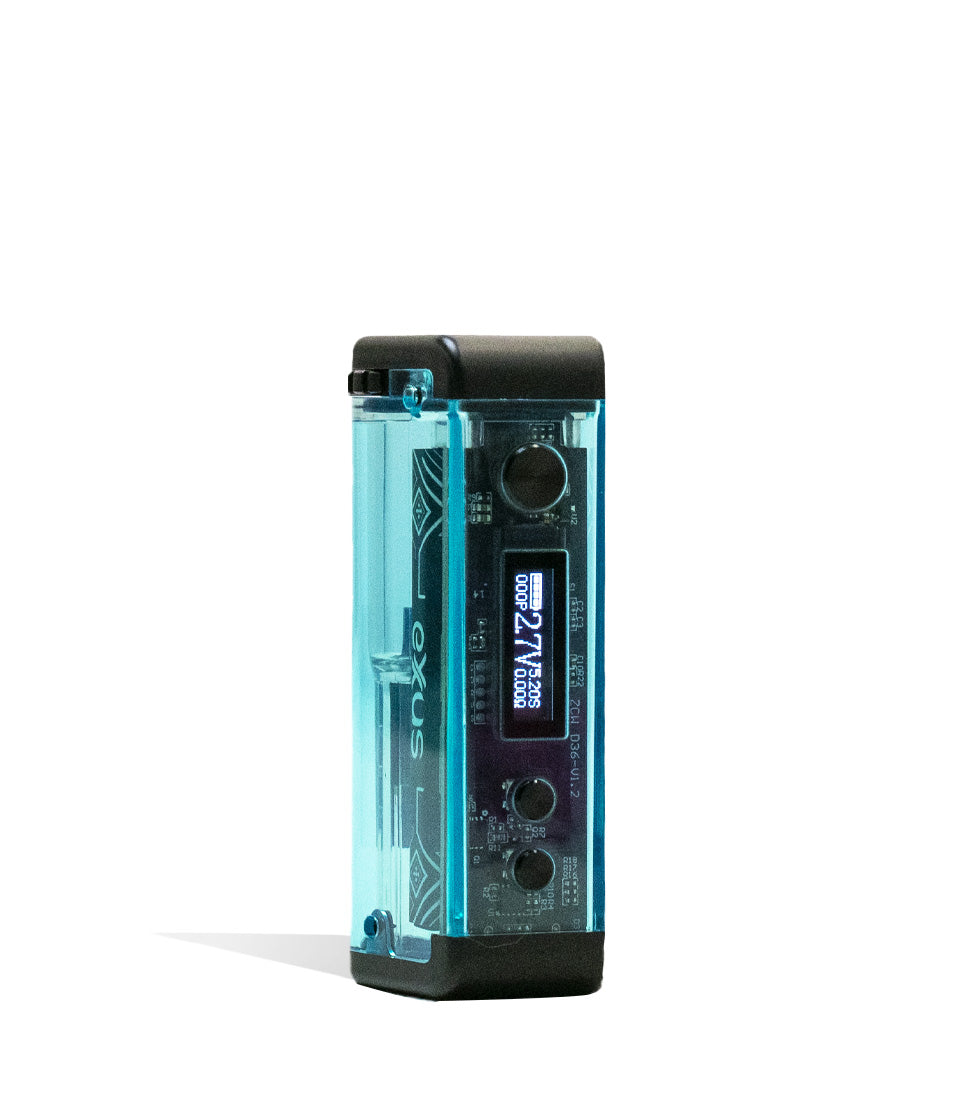
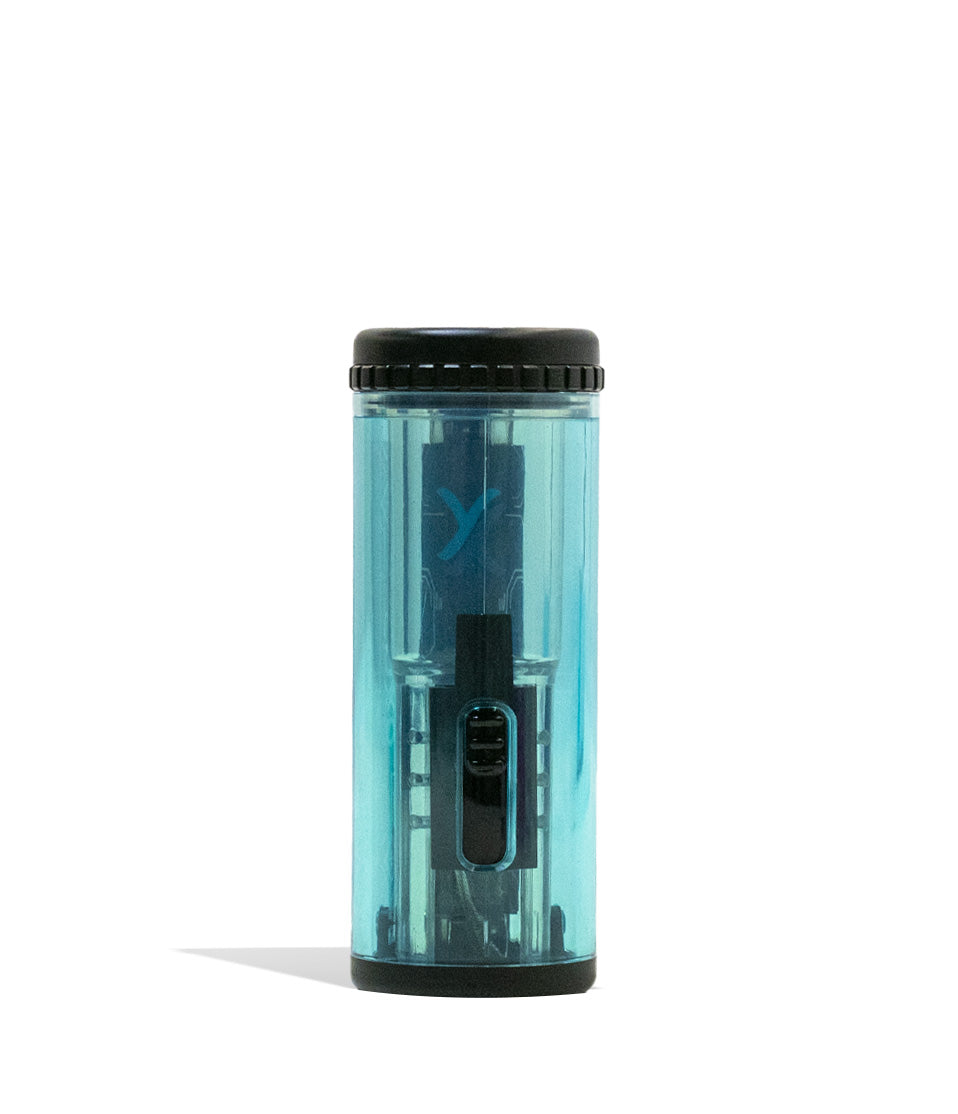
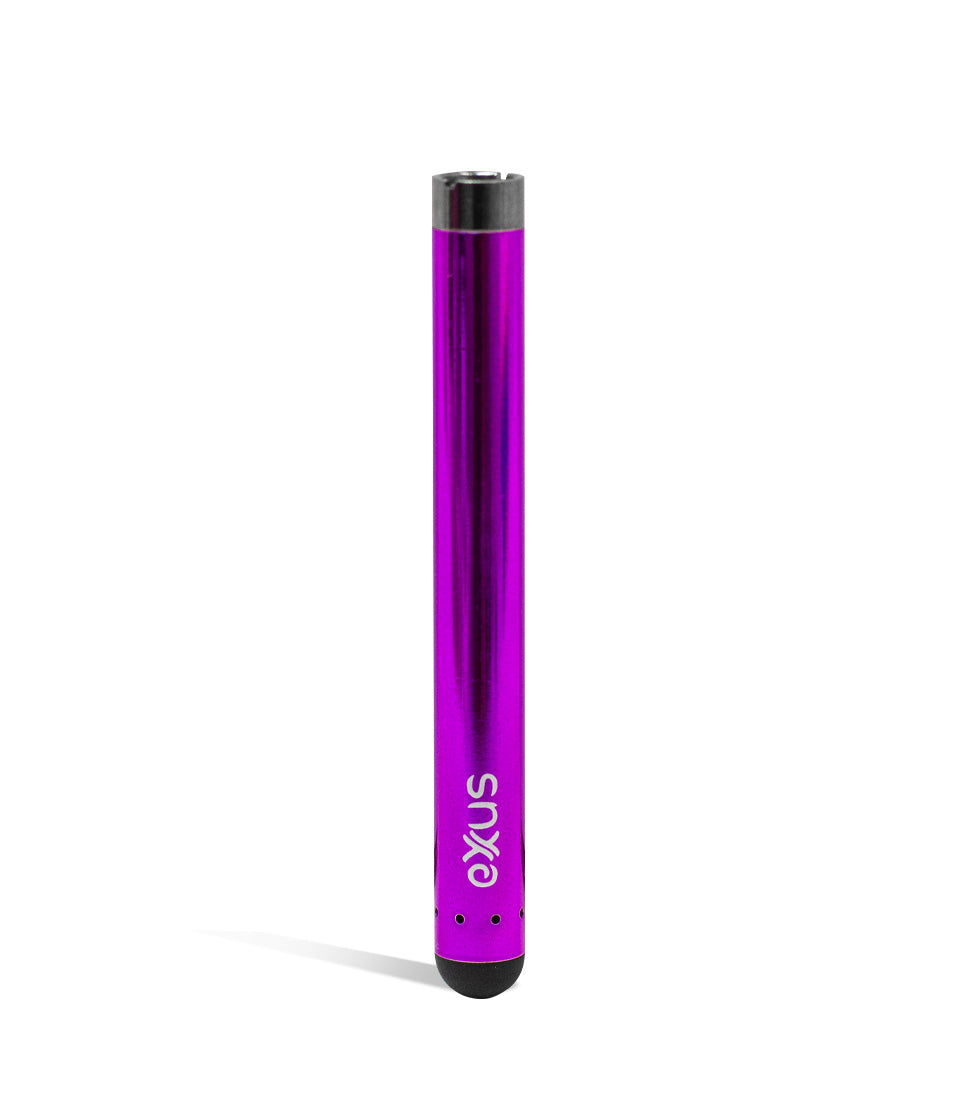
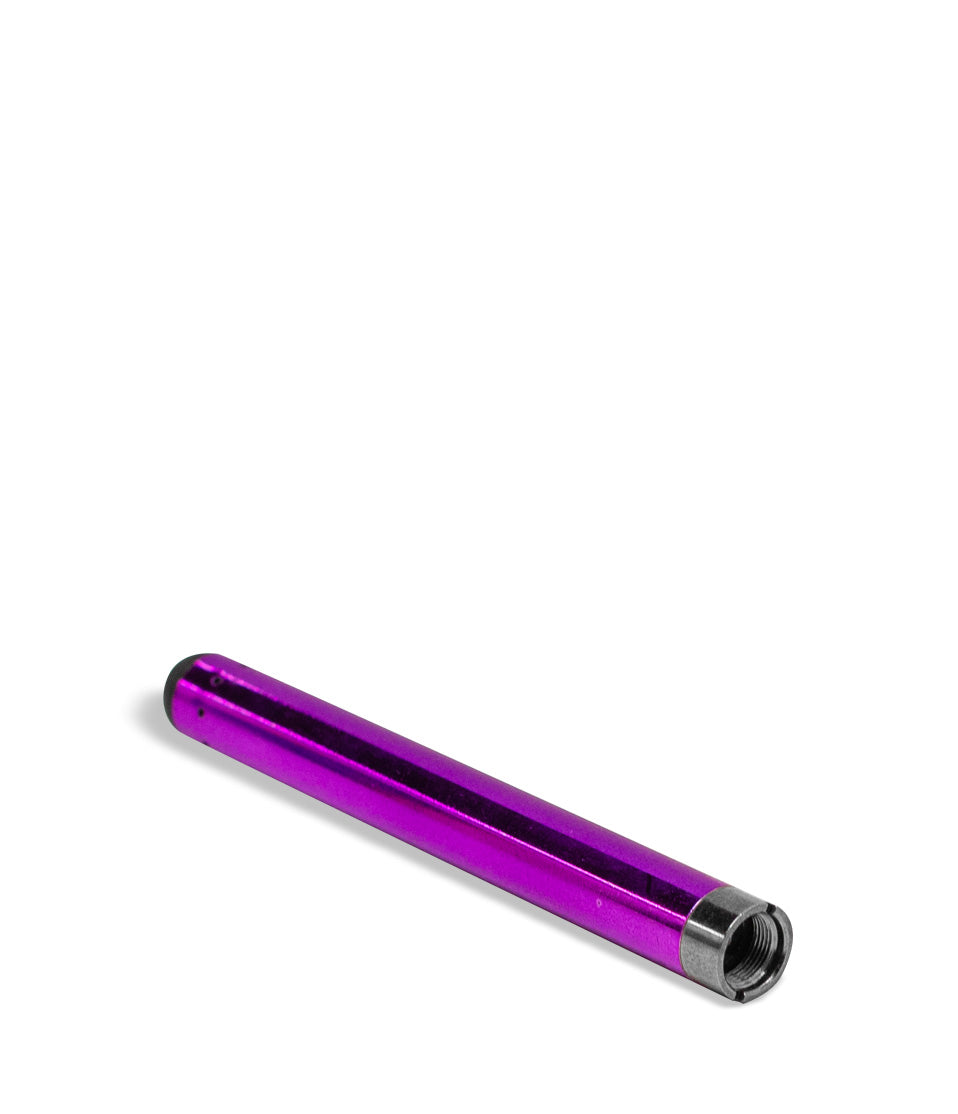
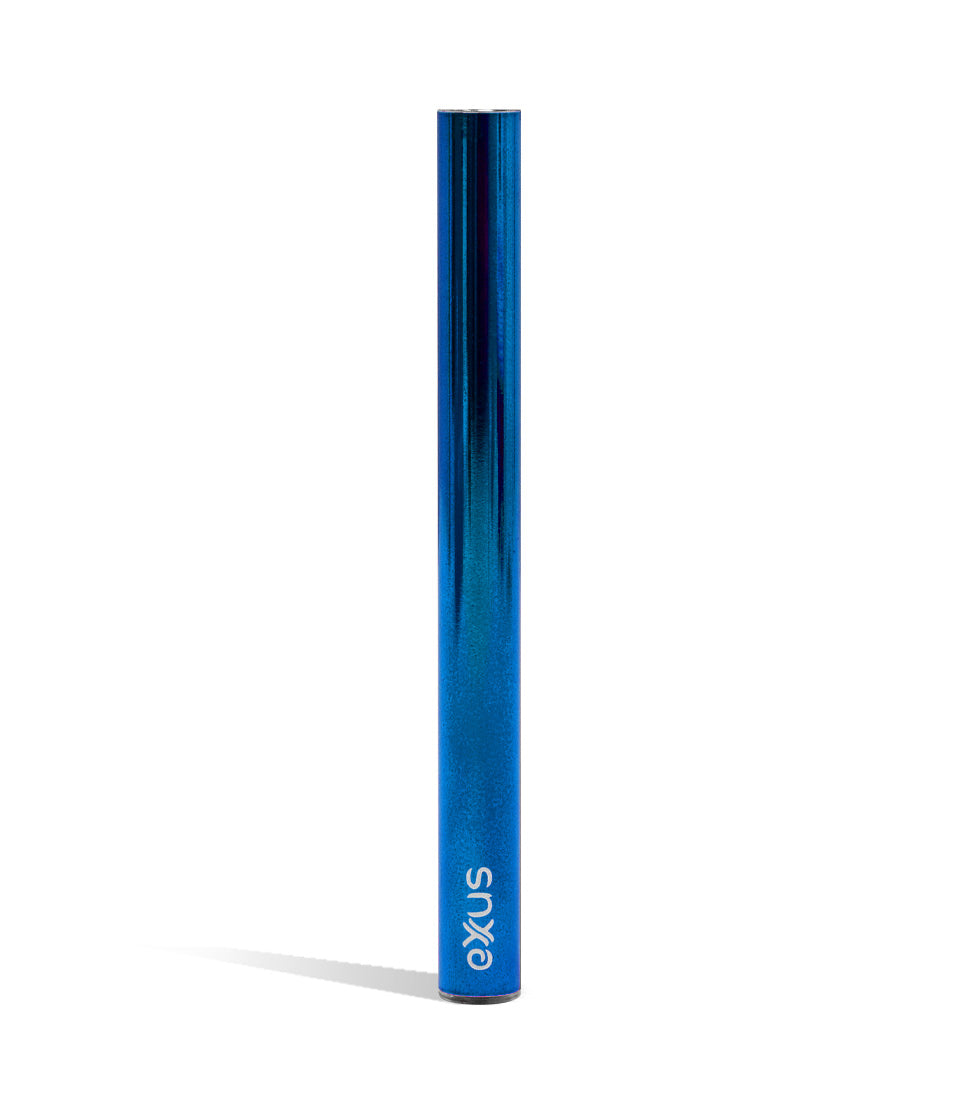
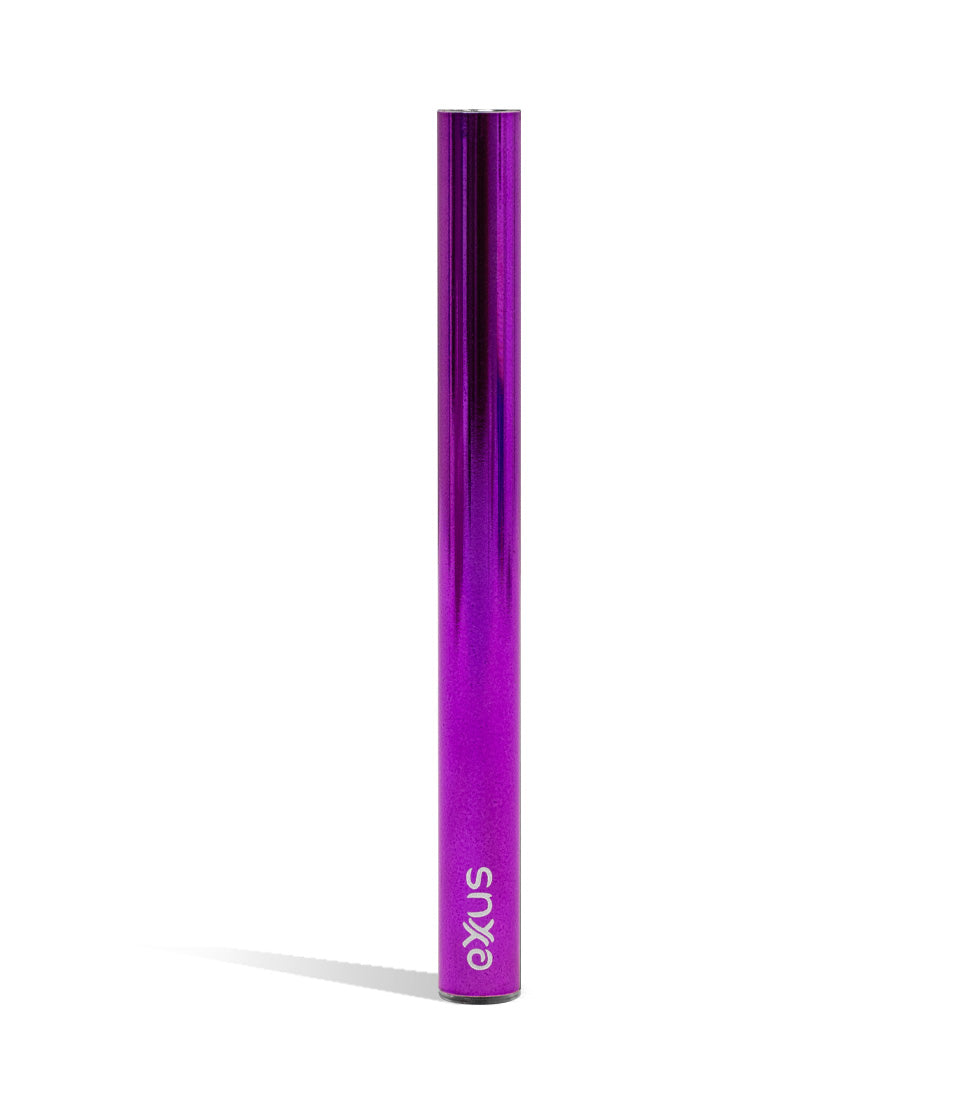
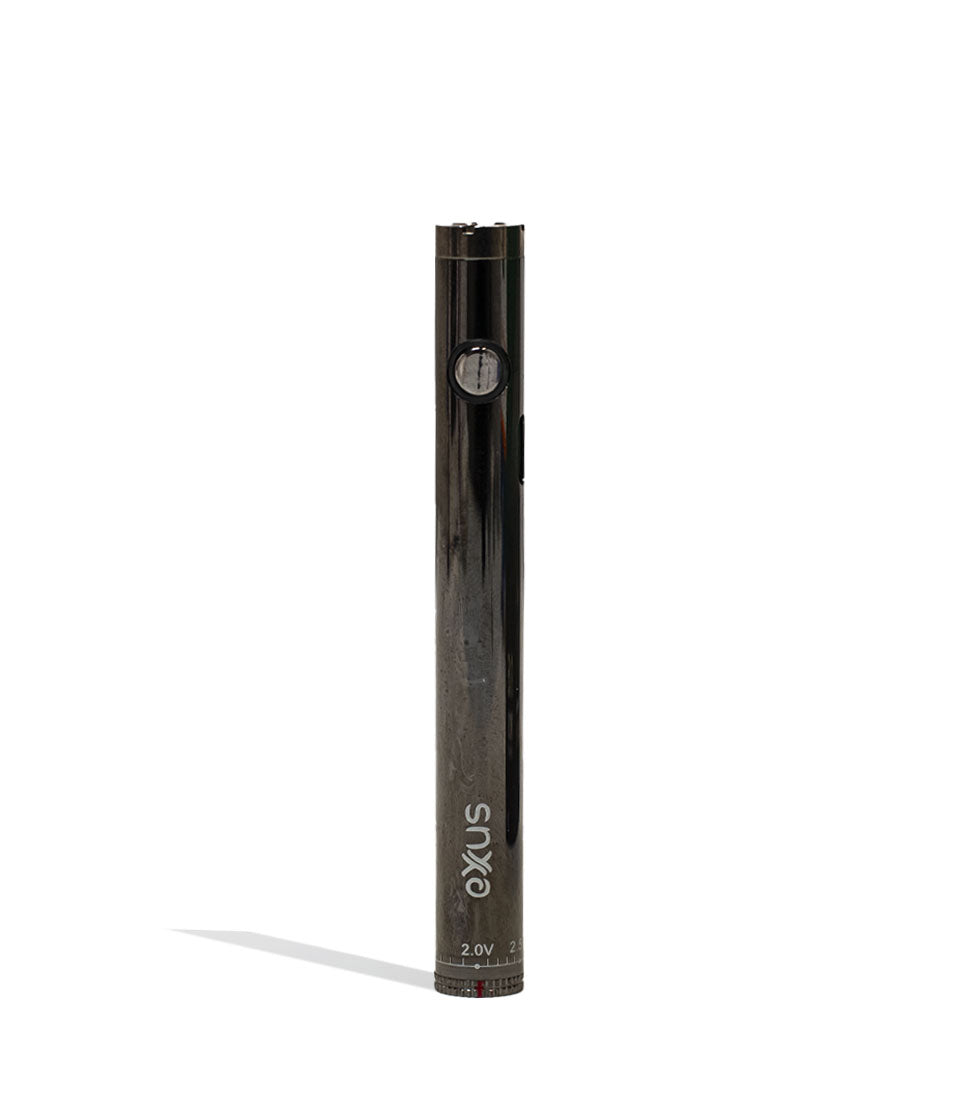
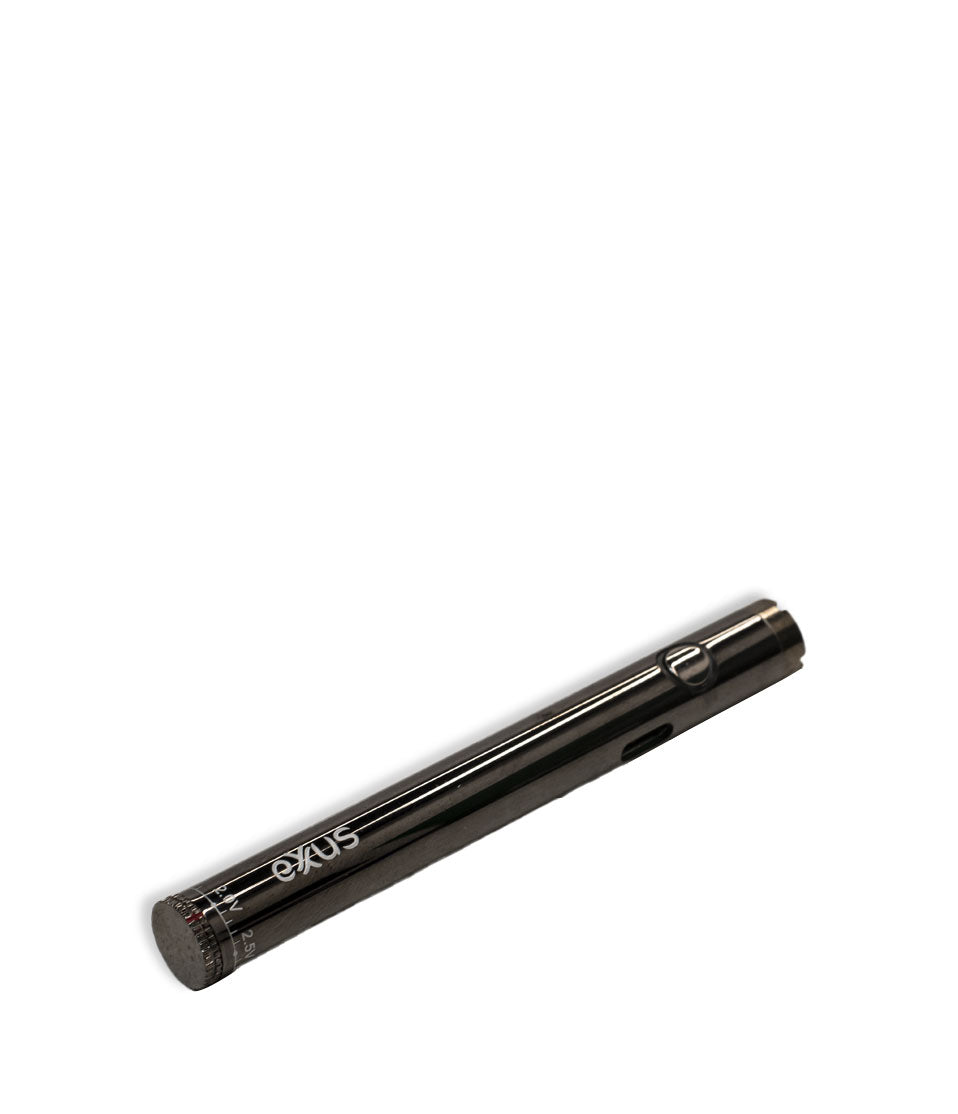
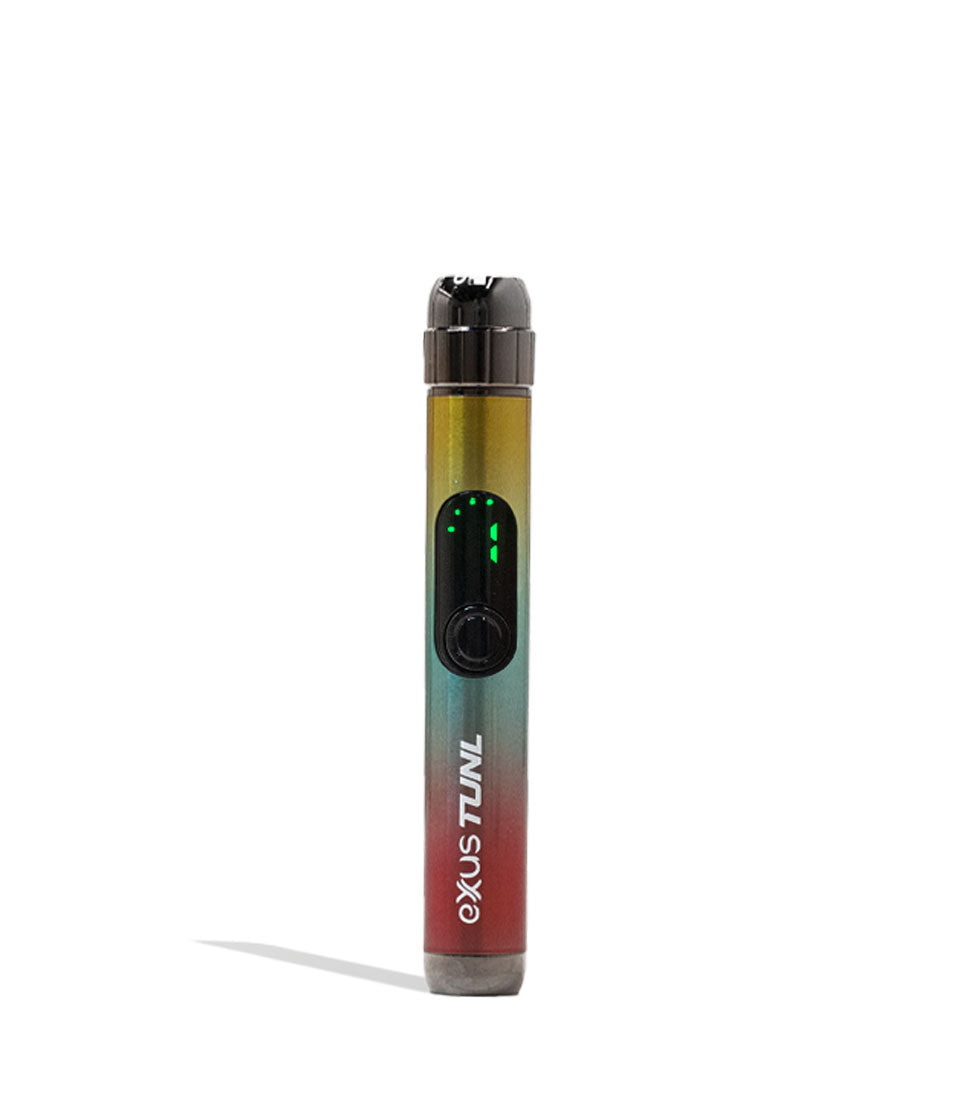
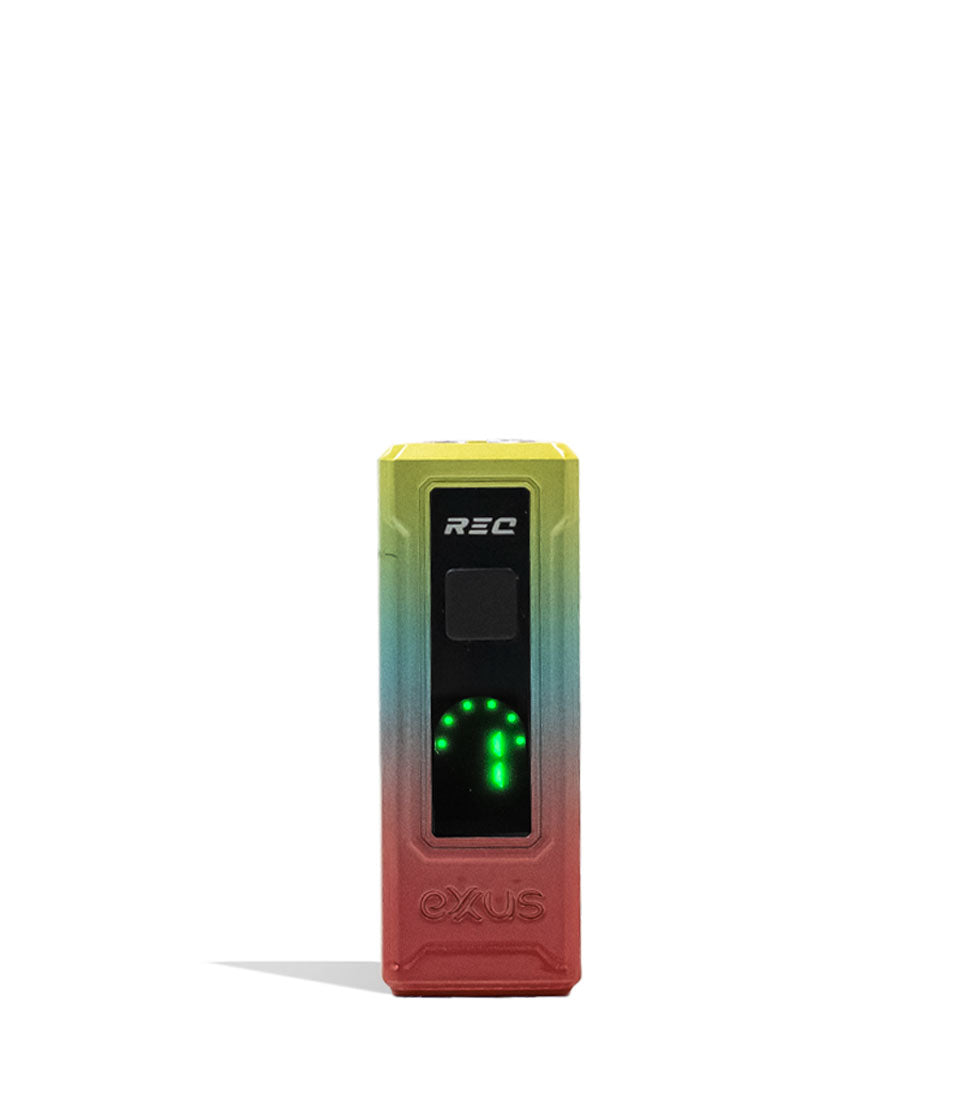
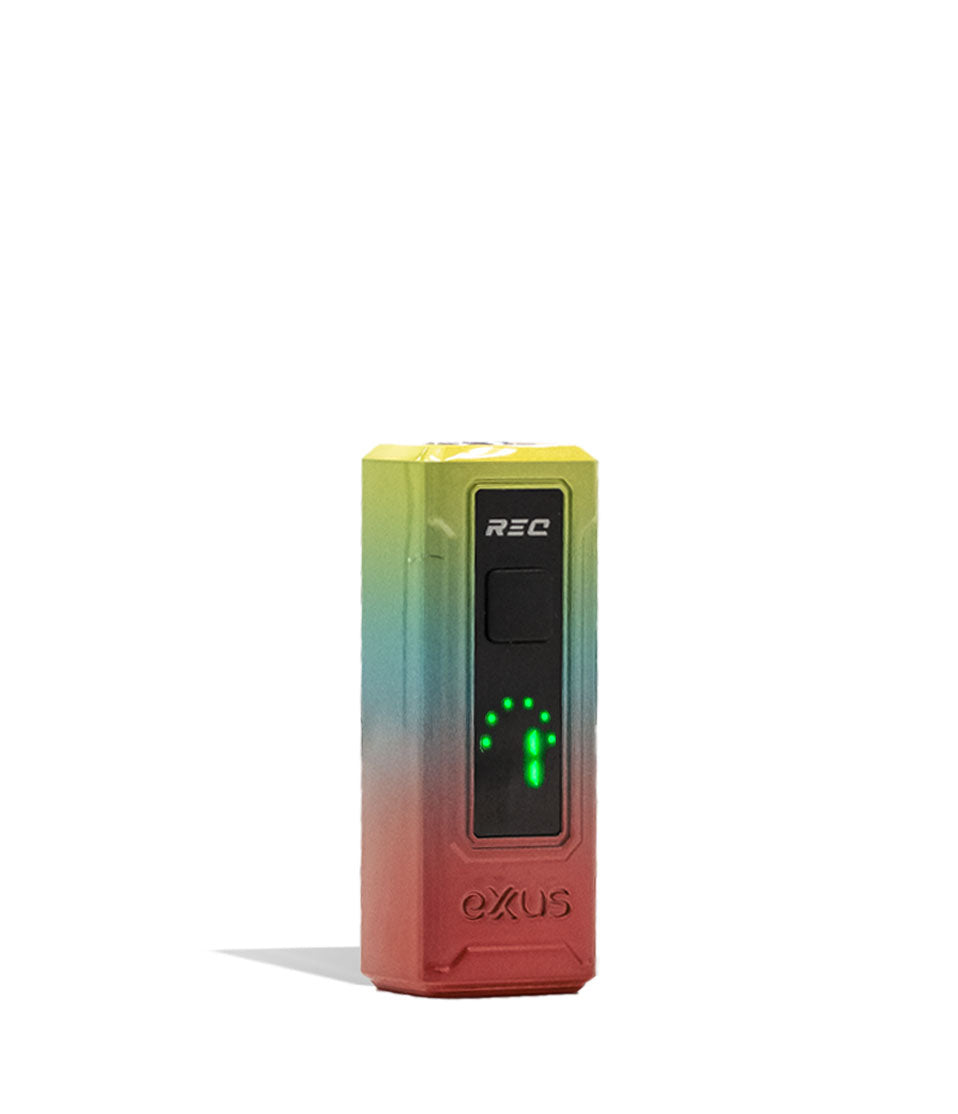
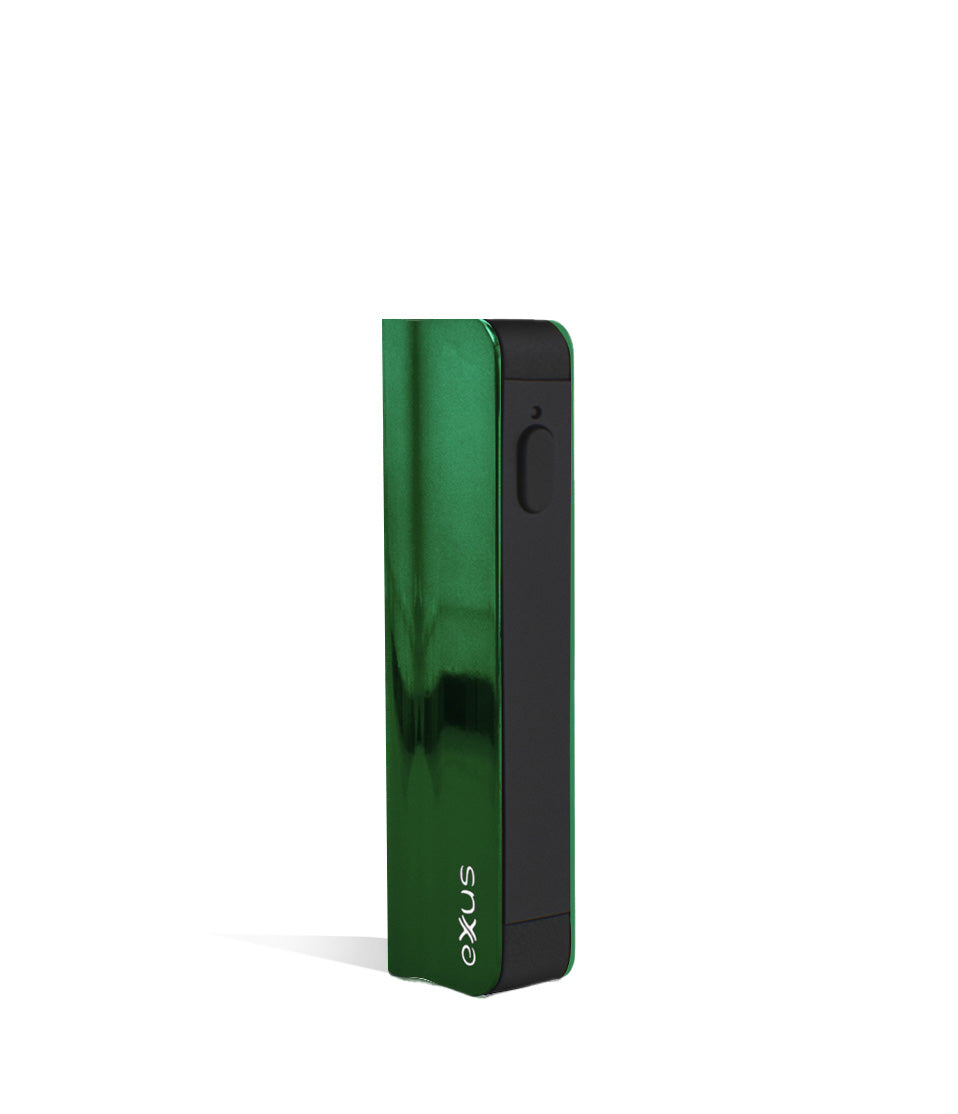
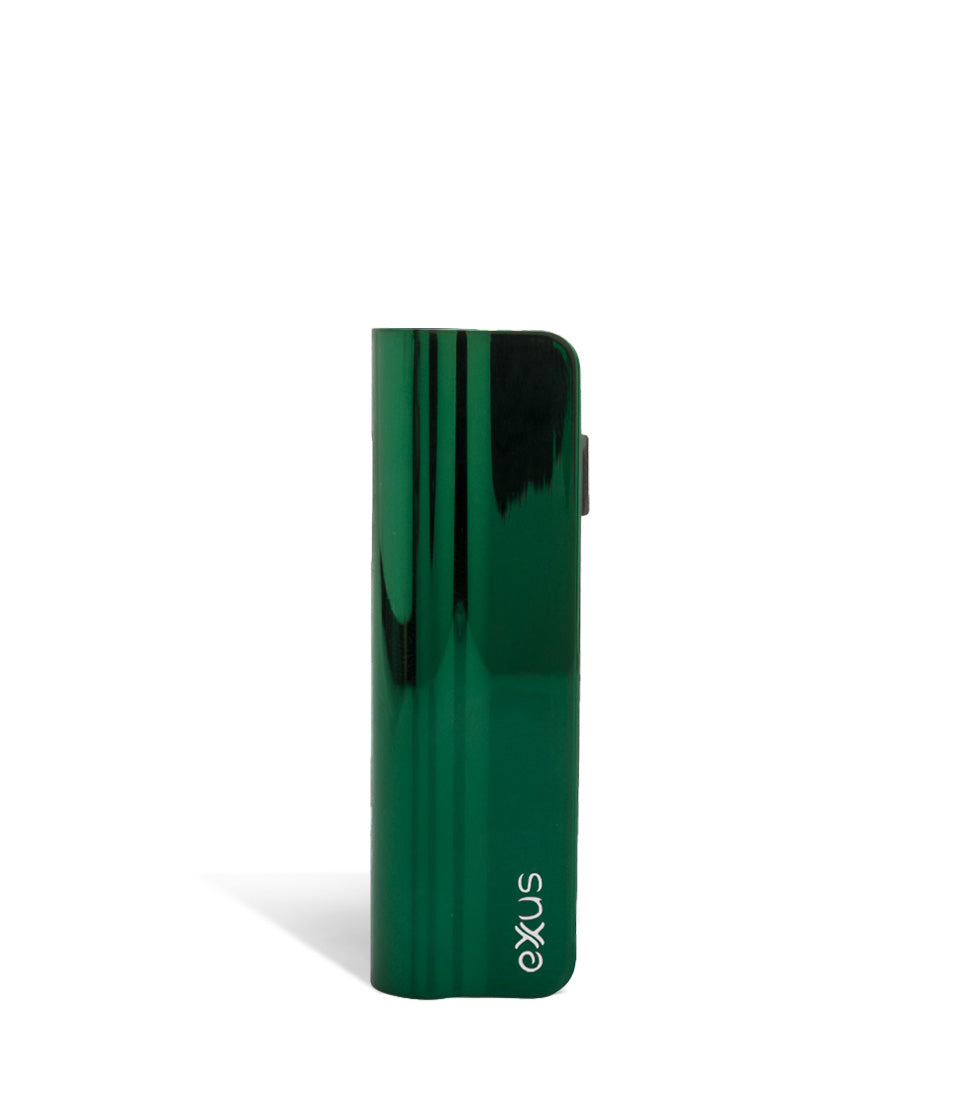
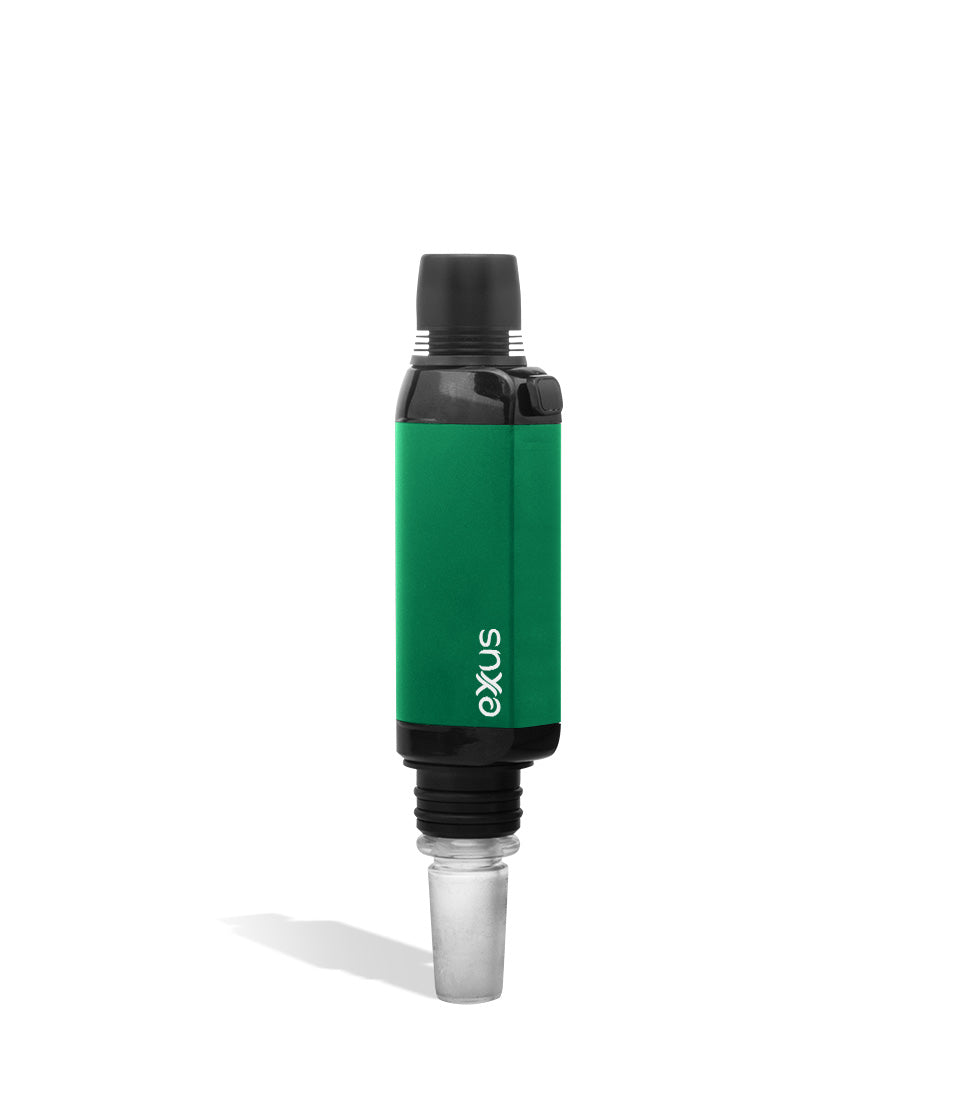
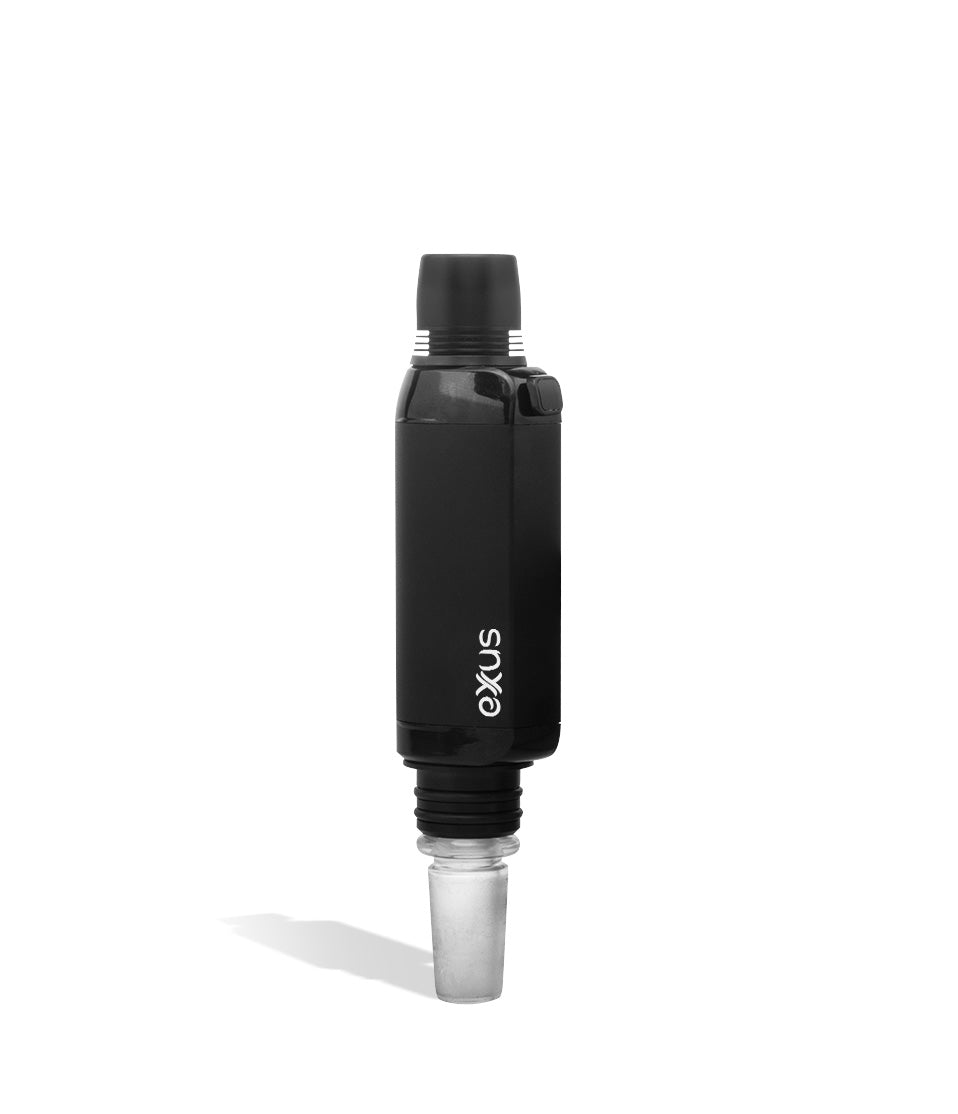
Shop the devices and gear called out in this guide.
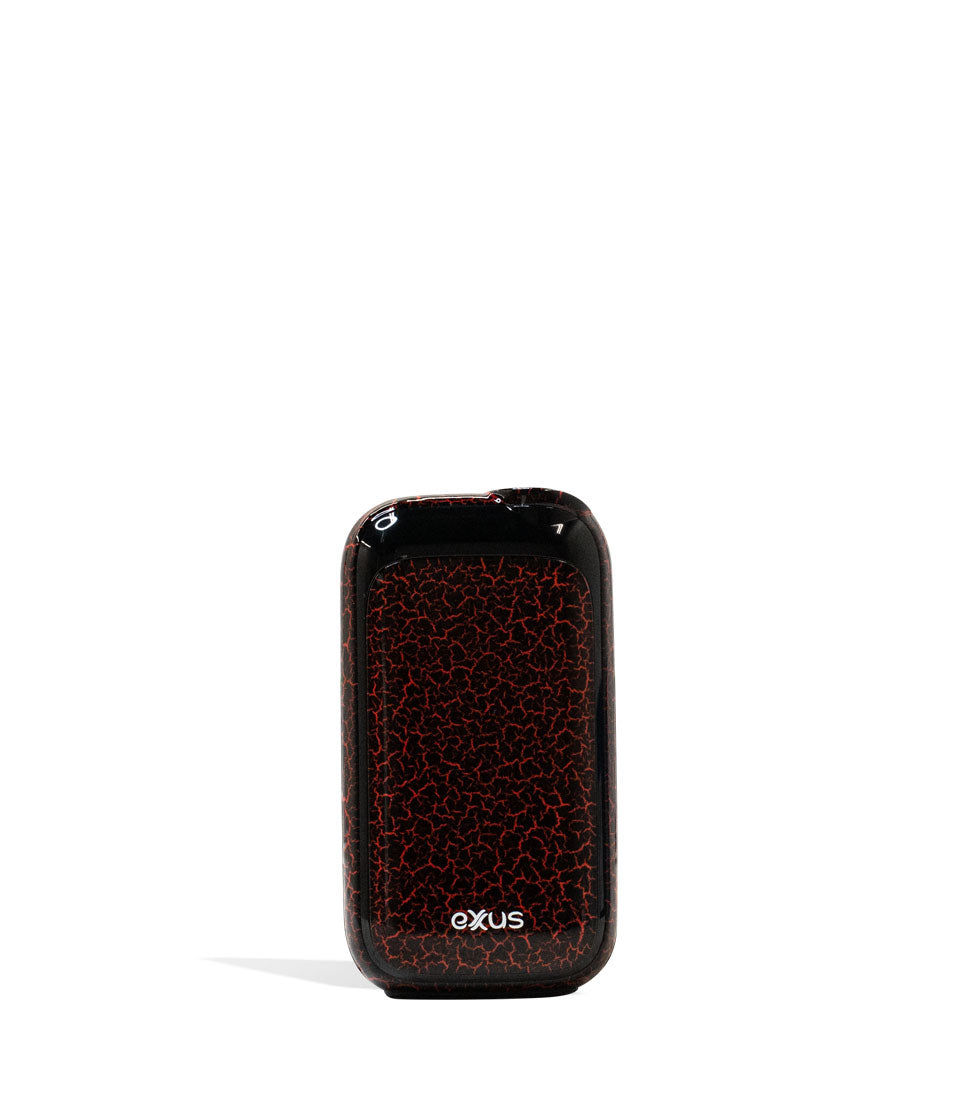
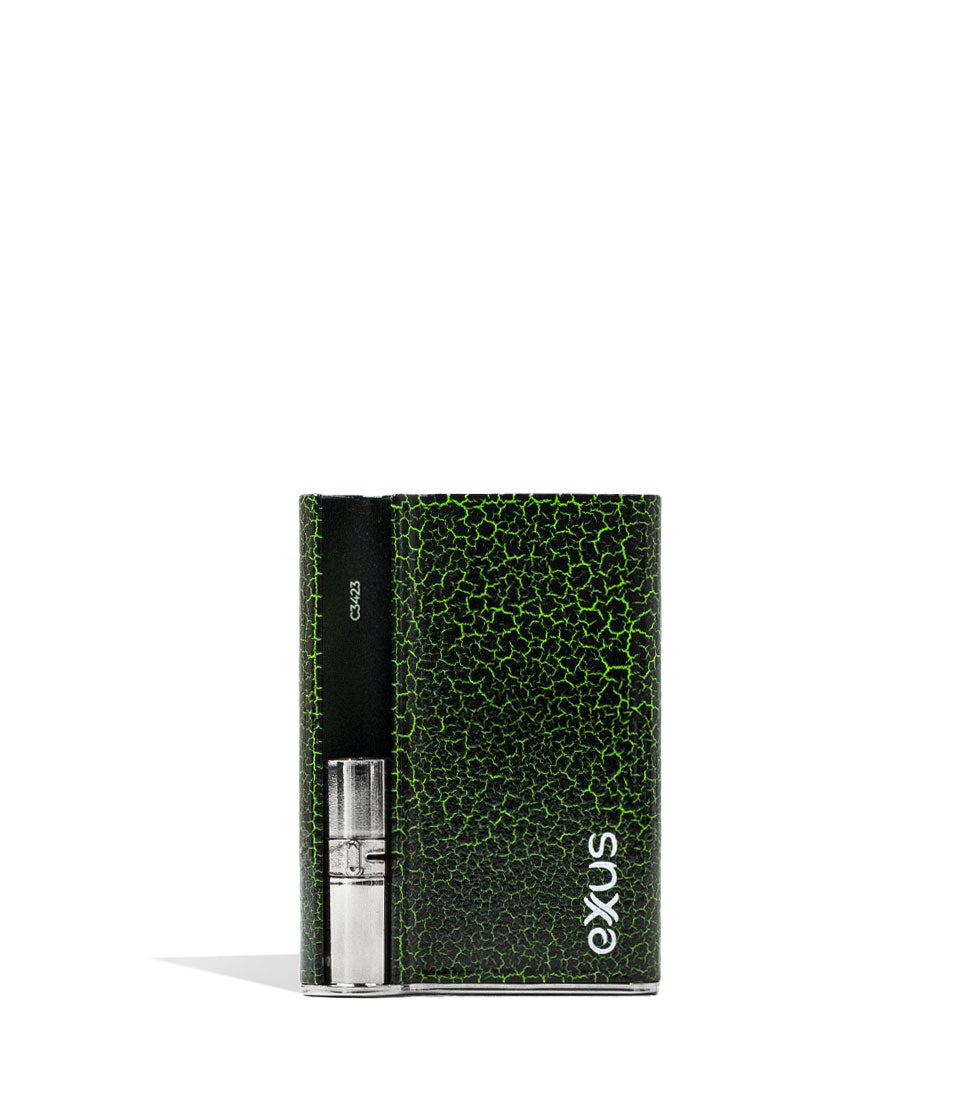
How-To
Complete How-To
Below, the full guide builds on the quick brief with detailed product considerations and buying guidance to steer your choice.
At Exxus we’re all about putting the power in your hands and letting you unleash it at your own discretion, because at the end of the day when it comes to our line up of Exxus 510 Batteries, vaping without limitations is what we’re all about.
That’s why Exxus Vape has come in hot today ready to give you the 411 on 510 Batteries, sharing all of our expert tips on how you can rip clouds with greater efficiency, flavor, and potent power.
If you’ve ever had questions about any of our 510 Batteries, then you have most certainly come to the right place, as this definitive rundown is here to let you upgrade your vaping game and make sure you know all the answers required for a truly lit session.
After this quick read you’ll be a bonafide cartridge vaping expert and know all the in’s and out’s of not just how to get the most from your 510 battery, but how to ensure your sessions stay rolling without ever slowing down.
Table of Contents:
How To Use My Exxus 510 Battery?
1. Charge Your Exxus 510 Battery
2. Attach Your 510 Cartridge
3. Power On Your Exxus 510 Battery
4. Select Your Voltage
5. Operating Pre-Heat On A Exxus 510 Battery
6. Using Your Exxus 510 Battery
7. Safely Storing and Powering Down
8. Cleaning Your Exxus 510 Battery
Exxus 510 Battery Insider Tips
The Power Of Exxus 510 Batteries
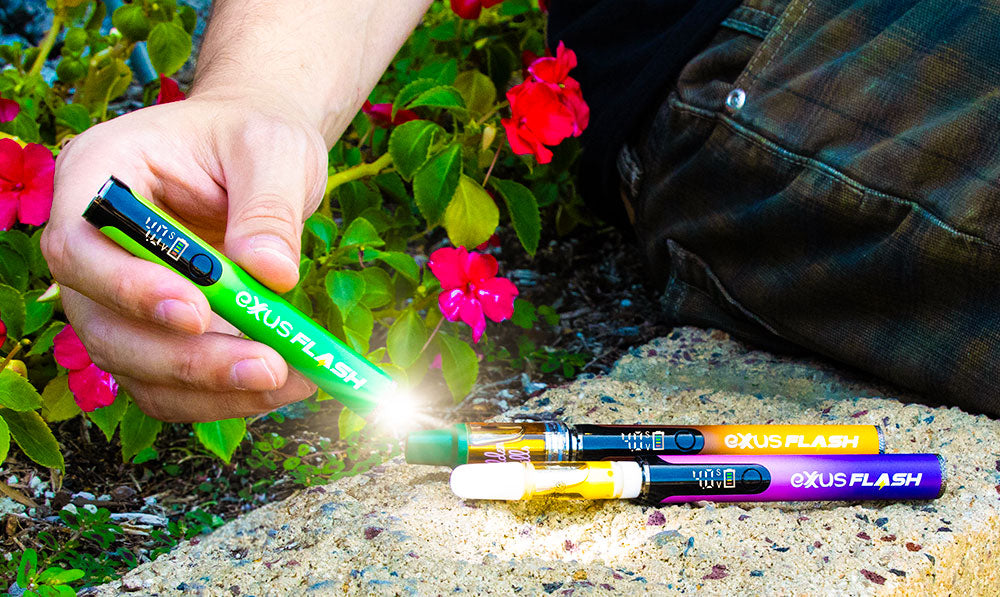
How To Use My Exxus 510 Battery?
When it comes to using your Exxus 510 Battery we’ve put in a whole lot of effort in order to make your life as easy as possible and allow you to enjoy top tier clouds without any barriers to entry slowing you down.
For detailed information on our process, take a look at our breakdown here of the complete guide to owning an Exxus Vape, where we explain everything there is to know about the how and why of our vaporizer line up.
In general we recommend the following tips:
- Go slow
- Double check connections
- Pace yourself while vaping
- Understand less is more
- Stay in control
Below we’re going to take you step by step through using an Exxus 510 Battery and let you know all of the basic steps to getting started. While some vapes have extra features, for the most part this will get you through without issue.
This way if you ever run into any issues, you can check back here for a quick refresher and easily fix any speed bumps that are slowing you down.
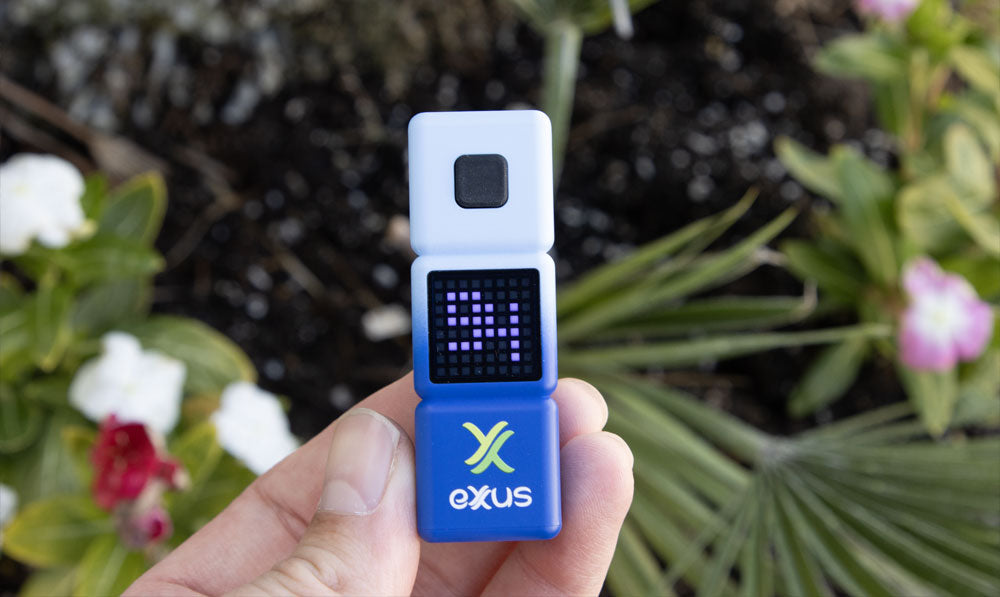
1. Charge Your Exxus 510 Battery
Before you get started with your cartridge vaping adventures, you’ll of course first have to charge your Exxus 510 Battery.
To do so, we recommend the following:
- Only use the charger that came with your battery
- Monitor your 510 battery while charging
- Never charge overnight
- Stay away from moisture or hot areas
The first time you get any Exxus 510 Battery we recommend plugging it in for a full charge or until the battery is at 100%. This gives your system an initial boot up and ensures you’re starting things off on the right footing.
Many of our Exxus 510 Batteries have LED indicators and battery icons in order to let you know where your charge is at, making monitoring a whole lot easier when you’re busy.

2. Attach Your 510 Cartridge
Next you must choose a compatible 510 cartridge battery and safely attach it to your Exxus 510 Battery. Not all batteries are compatible with all sizes, so always double check to see if your chosen battery is able to handle your desired cartridge.
To attach your 510 cartridge:
- Make sure the threads are clean
- Slowly twist the cartridge into your 510 connection
- Aim for a snug connection without any gaps
- If you experience issues, detach and try again
Thanks to the ease of universal 510 threading, attaching a cartridge to your Exxus Battery is incredibly easy and efficient. All you have to do is make sure the threads are locked in and you’ll be ready to go.
With a tight seal between your battery and cartridge, you can easily bring them on the go by tossing them in your pocket and never once worrying about anything getting detached mid adventure.
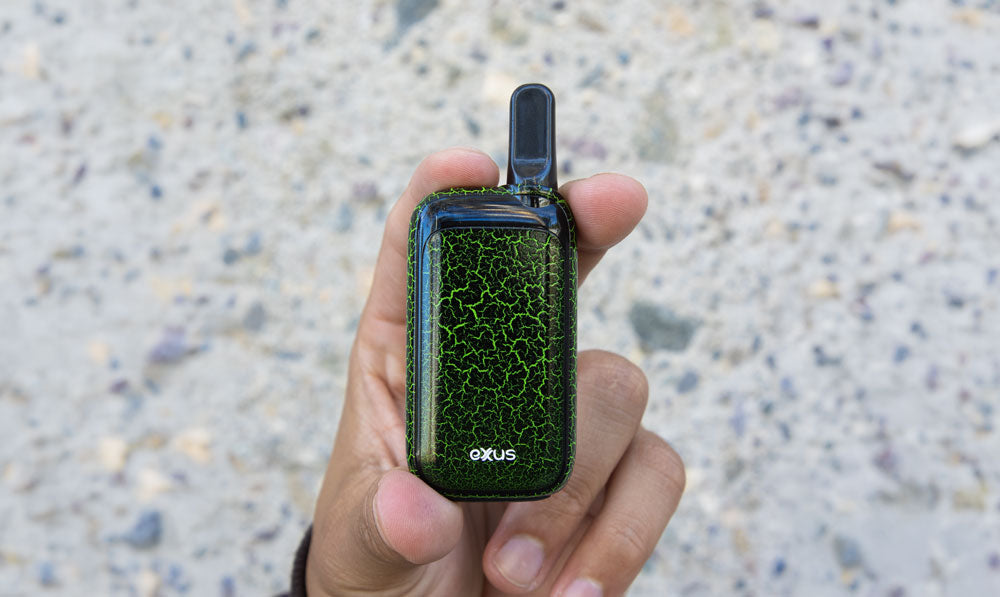
3. Power On Your Exxus 510 Battery
Most Exxus 510 Batteries utilize single button operation and allow you to control your vaporizer via a series of precise clicks. This makes swapping between batteries easy, always letting you know how to get things started off.
Power On Your 510 Battery:
- Press the power button five times in a row (5x)
- Wait for your screen or LED indicator to flash
- Proceed with your session
As you can see with just 5 quick clicks your Exxus 510 Battery is all ready to get going and allows you for the rapid access that makes cartridge vaping so fun to begin with.
If you have any issues powering on your vape, make sure to count your clicks precisely, as sometimes in our haste we can either over or under click, leading to slight frustration when your battery refuses to switch on.
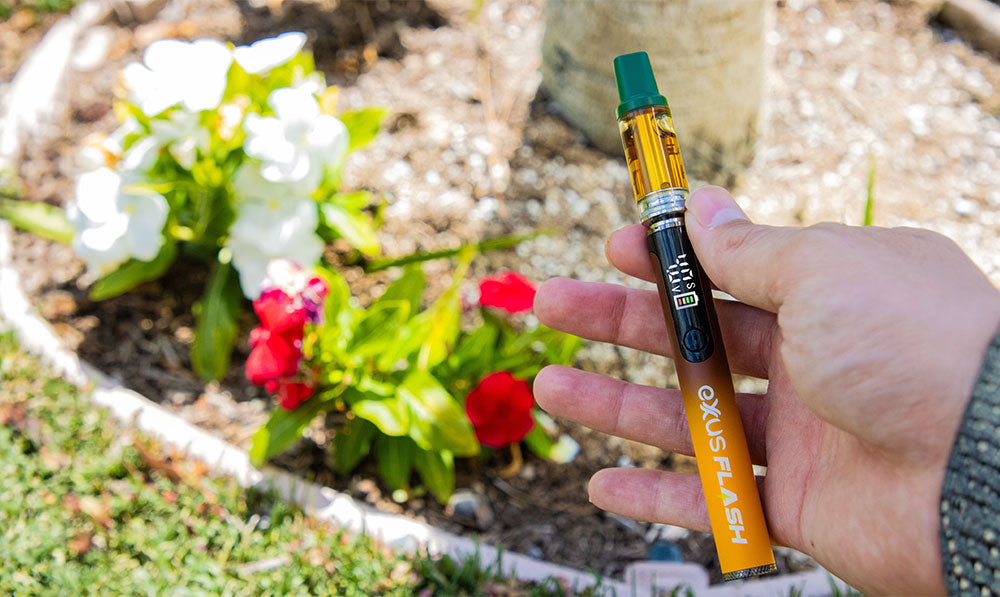
4. Select Your Voltage
With everything powered up and ready to go, you can now select the voltage on your Exxus 510 Battery in order to meet the moment with clouds that taste, hit, and satisfy just like your friends are looking for.
There are two types of voltage control on 510 Batteries:
- Single Button Control: Press the power button three times (3x) to cycle through your voltage settings.
- Dedicated + – Control: Press the + or – button to adjust your voltage level in kind.
For an in depth breakdown of how voltage affects your vapor, take a look at our Exxus Guide To Voltages right here. Within that we investigate the how and why of voltages, giving you an inside look on what’s actually going on behind the scenes.
In general however, lower voltages = more flavor / less harshness, while higher voltages = more potency / more harshness. This is a good barometer to use for gauging your settings and ensuring you don’t go too hard, too early in your day.
5. Operating Pre-Heat On A Exxus 510 Battery
Most Exxus 510 Batteries include a pre-heat function ranging from 10 – 15s as a method of boosting your vapor production, ripping harder hitting clouds, and dealing with any particularly thick oils.
To activate your pre-heat on an Exxus 510 Battery:
- Press the power button two times (2x).
- Wait for the pre-heat countdown to finish.
- Use your 510 battery as normal for a special boosted hit.
Remember that you have to actually wait for the pre-heat to conclude to enjoy the full effects, so make sure to be patient and not rush things. This way you let your Exxus 510 Battery “cook” so to speak and can get the best possible pre-heat vapor results.
Pre-heating your cartridge is also a great trick to deal with cold weather or extra thick oils, as this way your battery spends a little time prepping things for your hit, instead of launching into it without any preparation.
6. Using Your Exxus 510 Battery
With everything prepared you are now ready to get started actually vaping your Exxus 510 Battery, which thankfully is the easiest and most rewarding step of the entire process.
To use your Exxus 510 Battery:
- Press down the power button
- Draw from the mouthpiece
- Release the power button
- Exhale your cloud
It really is that simple when using your Exxus 510 Battery, as all you have to do is load things up, make sure it’s charged, and you are off to ripping clouds with the complete freedom you deserve.
As a note, we wanted to remind you that many Exxus 510 Batteries include an auto-shut off function in order to prevent your battery / cartridge from overheating. These will typically activate after 10 – 15s of continuously holding down the power button.
This cut off is where the term “blinker” originated, as it simply refers to taking a draw long enough from your 510 battery that this auto-shut off is triggered. To resume your session, simply release the power button and press it once more to continue.
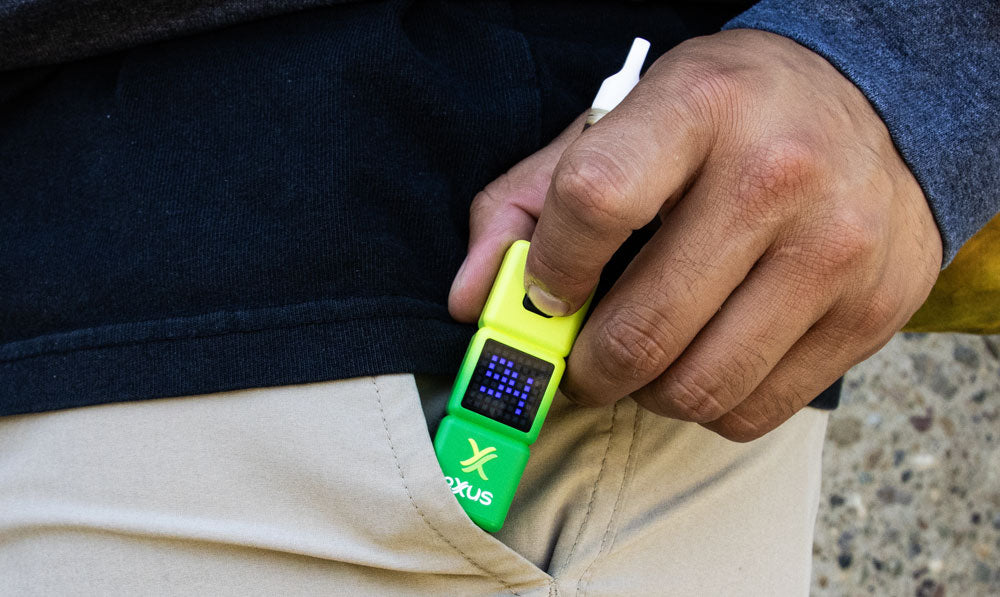
7. Safely Storing and Powering Down
After you’ve completed your session, we recommend powering down and safely storing your Exxus 510 Battery to ensure that it’s already to rip whenever you want to launch your next session.
Power Down Your Exxus 510 Battery:
- Press the power button five times (5x).
- Wait for the screen / led indicator to switch off
Storing Your Exxus 510 Battery:
- Store in a safe location
- Keep away from moisture
- Avoid temperature extremes
By following along with these steps you’ll be able to safely put your sessions on pause, all while knowing you are ready to get back to it in seconds whenever you need to.
8. Cleaning Your Exxus 510 Battery
The last step of using your Exxus 510 Battery is to always keep it clean. While not as fun as the other steps, this one is essential to ensuring you get consistent enjoyment from your 510 battery and experience your cartridges at their fullest.
To clean your Exxus 510 Battery:
- Always power off your battery first, never clean while on.
- Detached the 510 cartridge from your battery
- Clean the threaded connection
- Clean buttons / screen
- Clean cartridge
- Leave ample time for everything to dry
As it takes two to tango with cartridge vaping, you’ll also need to check to see if your 510 cartridge is clean as well. Focus on the mouthpiece, threaded connection, and any airflow holes, checking to ensure there’s no stickiness or leftover materials.
We recommend using a q-tip or swab dampened with isopropyl alcohol, as this makes short work of concentrates and can break down even the stickiest of stains.
As with any other vaporizer, always be sure to leave plenty of time for your Exxus 510 Battery and cartridge to completely dry before you attempt to continue vaping. Moisture can damage your battery and lead to long term issues, so be patient and wait for air drying to complete.
Exxus 510 Battery Insider Tips
Now that you know how to use your Exxus 510 Battery, we wanted to impart some extra bonus lessons on you to give you the Exxus Insider Advantage and level up your sessions to their most mind blowingly potential.
Having spent over a decade working directly with vaporizers and far long enjoying them, the Exxus Vape Team has picked up more than a couple tricks.
Exxus Insider 510 Battery Tips:
- Using your puff counter is a great way to consciously conserve cartridges
- Keeping your 510 battery clean is essential
- Voltage level directly affects your vapor
With these in the back of your head and the rest of our tips guiding the way, using your Exxus 510 Battery to its maximum potential is going to be as easy as powering it on, loading your cartridge, and kicking back to enjoy the fruits of your labor!
The Power Of Exxus 510 Batteries
Time for you to put all of this Exxus 510 Battery learning to work and get out there with your friends to enjoy the maxed out power of your oil cartridges the way they were actually intended to be enjoyed.
Remember to take your time, make sure you set up correctly, and then dive head first into the cloud filled world of Exxus 510 Batteries in order to super charge your travels and live life to the fullest, Exxus style!
Interested in learning more about your vaporizer? The Exxus Vape Resource Center is here to provide in depth walkthroughs on all of our heavy hitters and give you the insider scoop on taking your sessions to the next level.
Thanks for stopping in with Exxus and we’ll see you next time!
Frequently Asked Questions
How-To FAQs
Common questions about this guide and how to put the information to work when choosing your device.
Are Exxus 510 Batteries Reliable?
What voltage setting should I use on my Exxus 510 battery?
How do I clear a clogged 510 cartridge using an Exxus battery?
Why is my Exxus battery blinking and not producing vapor?
How long does an Exxus 510 battery take to charge, and how do I know it’s full?
Exxus Trust Center
About This Resource
A quick look at how the Exxus team researches, reviews, and keeps this resource current.
Editorial Standards
- Written for the vapers actually shopping for and using this gear.
- Checked for accuracy, clarity, and real everyday usefulness.
- Built on the latest maker specs and official docs whenever we have them.
- Kept current as devices, rules, and the category keep moving.
- Backed by real hands-on time with the hardware.
- Made to help you land on the right device without second-guessing.
Research Methodology
Every step here comes from actually running the device, not skimming a manual. We break down setup, daily use, and the small tricks that make each session smoother, so you can follow along at home with zero guesswork.
- Real time spent with the device
- Setup and first session walkthrough
- Cleaning, upkeep, and quick fixes
- Answers to the questions people actually ask
- Safe, responsible operation
- How it holds up in daily use
- A final read for clarity and accuracy
Article Information
Intended Audience
- Everyday customers
- First-time buyers
- Experienced enthusiasts
- Dry herb users
- Concentrate users
- Anyone upgrading their setup
Editorial Policy
The Exxus Resource Center gets a regular once-over so the guidance stays reliable. As devices evolve, rules change, or the category shifts, we revisit articles and stamp them with a fresh review date. Real guidance you can lean on, session after session.
Keep Exploring
Related Resources
Continue with more Exxus resources chosen to help you get even more from your device.

Brand Guide
Why choose Exxus Vape in 2026? Find out how our affordability, portability, and raw vapor power are just what you need to unlea...
Read Resource →
Safety
Don't let dry mouth mess up your sessions! Instead stop it in it's tracks with the help of our Exxus Vape guide to avoiding dry...
Read Resource →
Best Of List
Exxus is breathing in, breathing out, and getting ready for some vapor enhanced meditation! Check out some great meditation met...
Read Resource →
Category Guide
Learn the art of achieving smooth hits in your daily sessions by staying hydrated and selecting high-quality vaping devices. Sm...
Read Resource →